
Example
The website readers see
The same publication’s own website, on its private preview address.
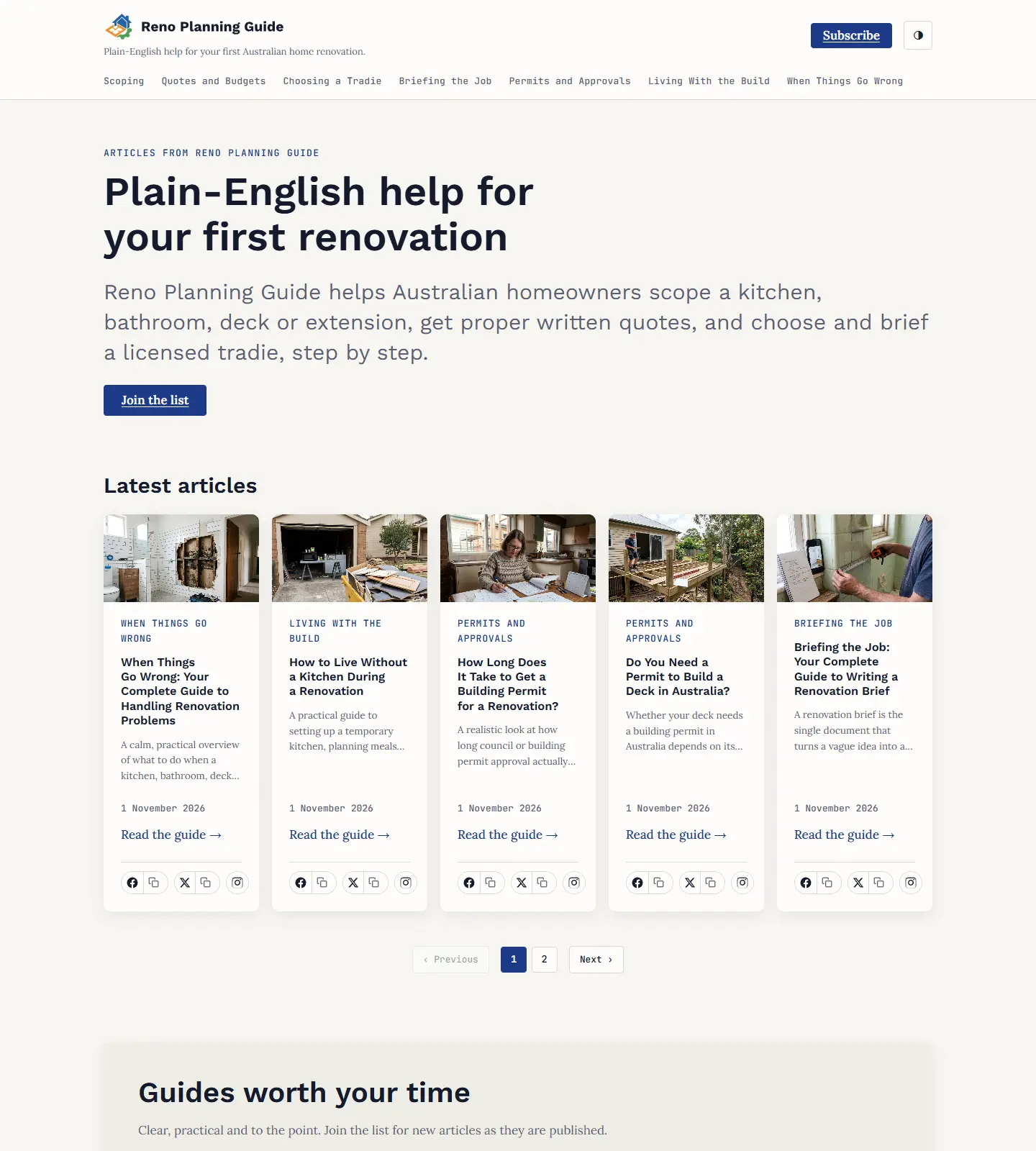
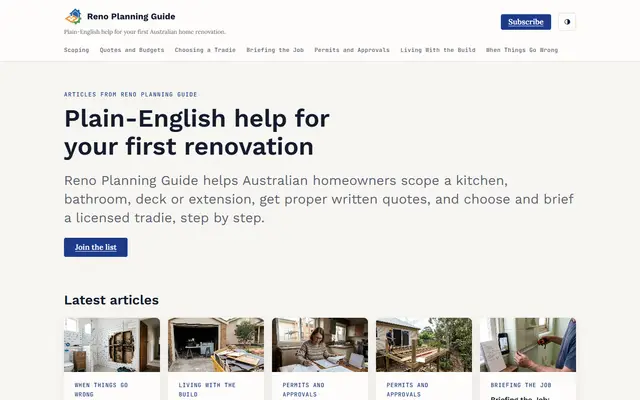 Its home pageReno Planning Guide’s home page: its sections, its latest articles and a way to subscribe.
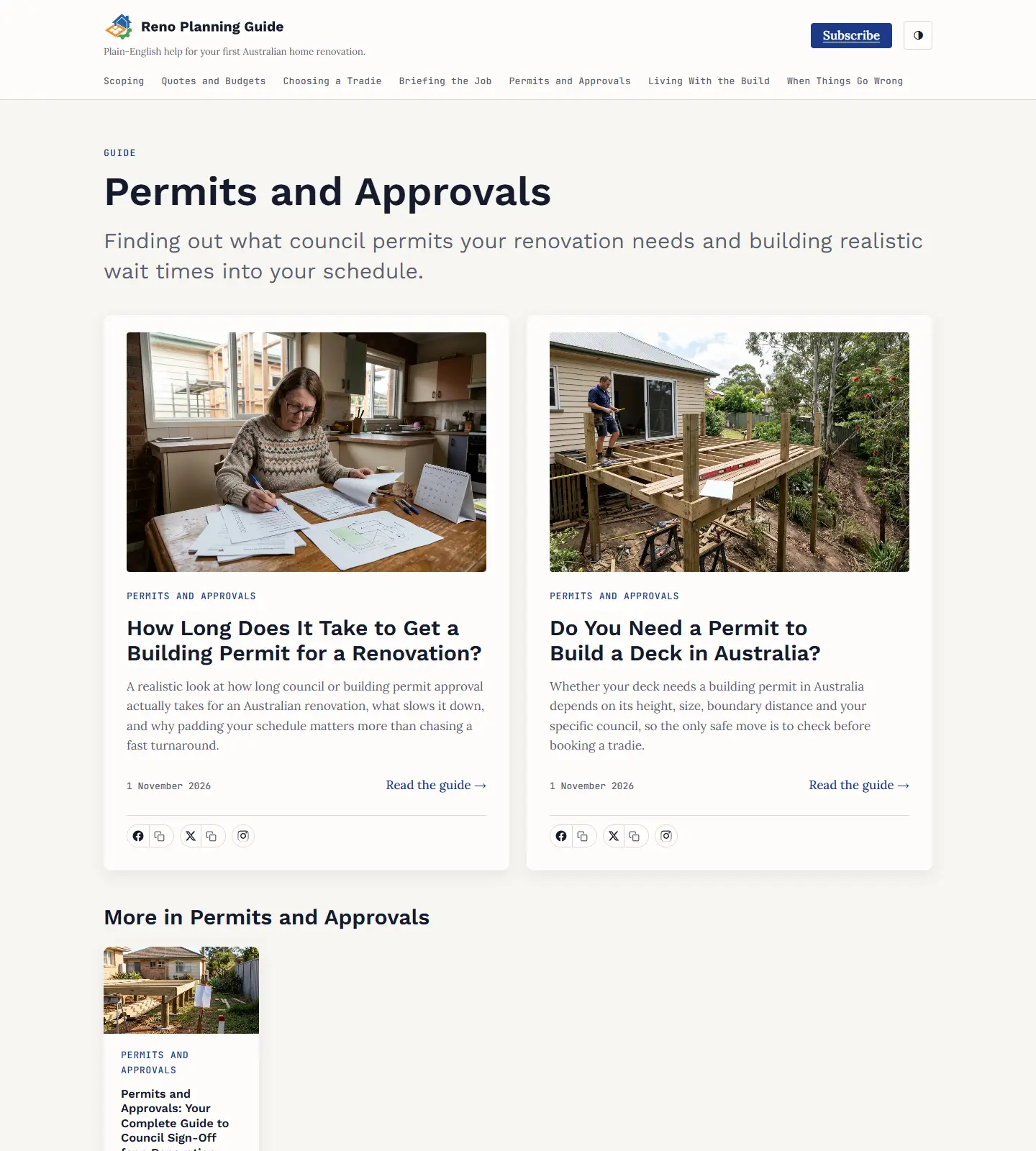
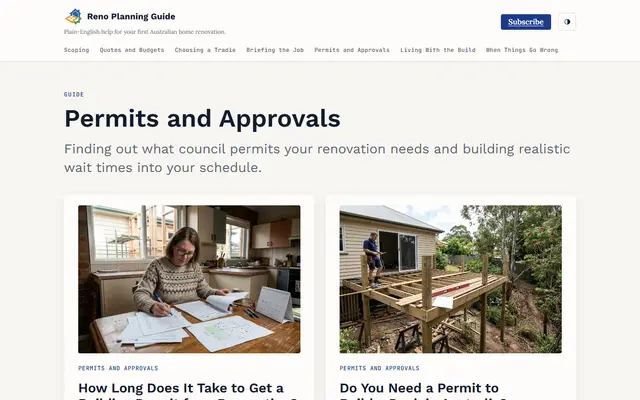 A section pagePermits and Approvals: the section’s guides, each with its picture and summary.
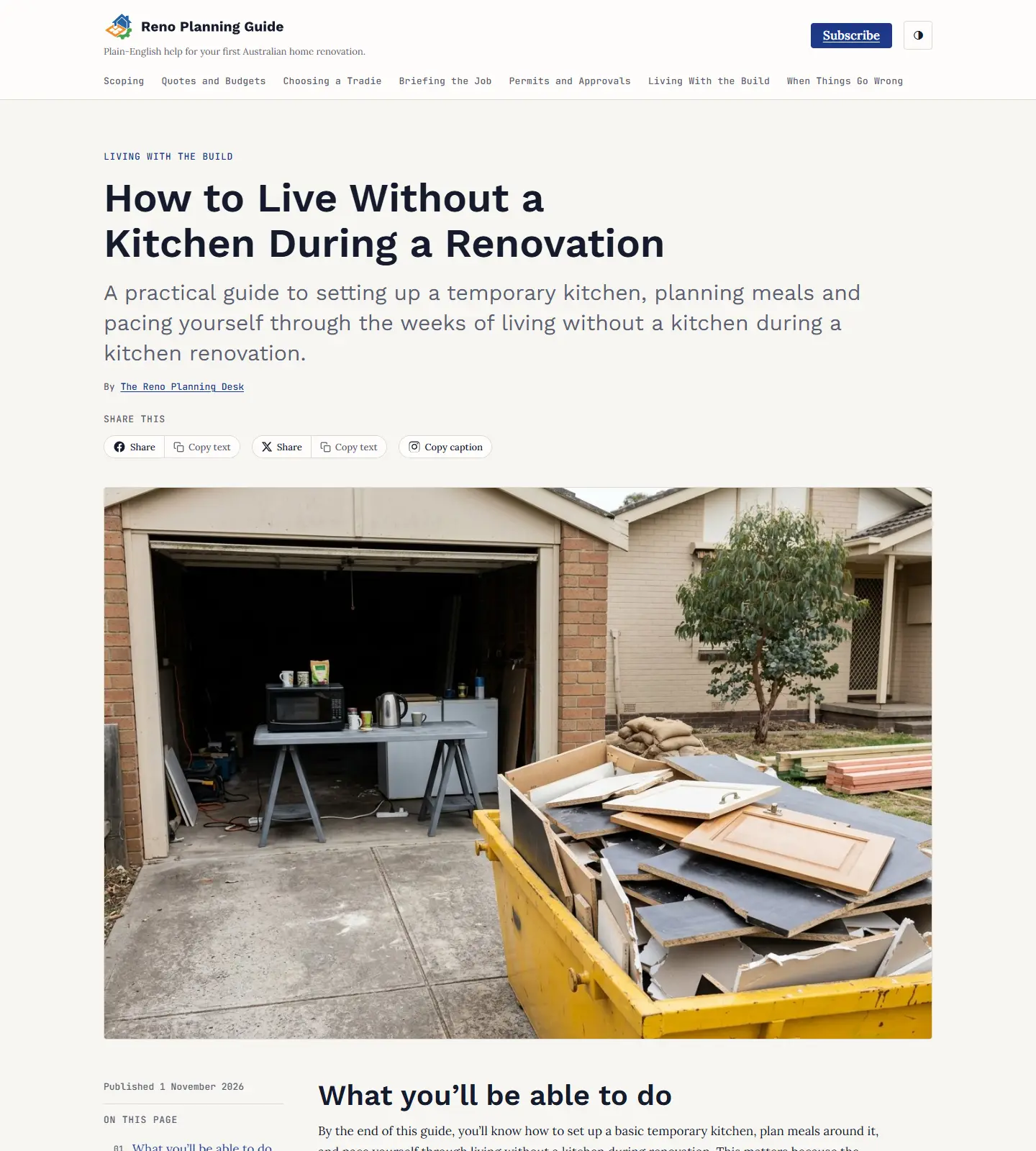
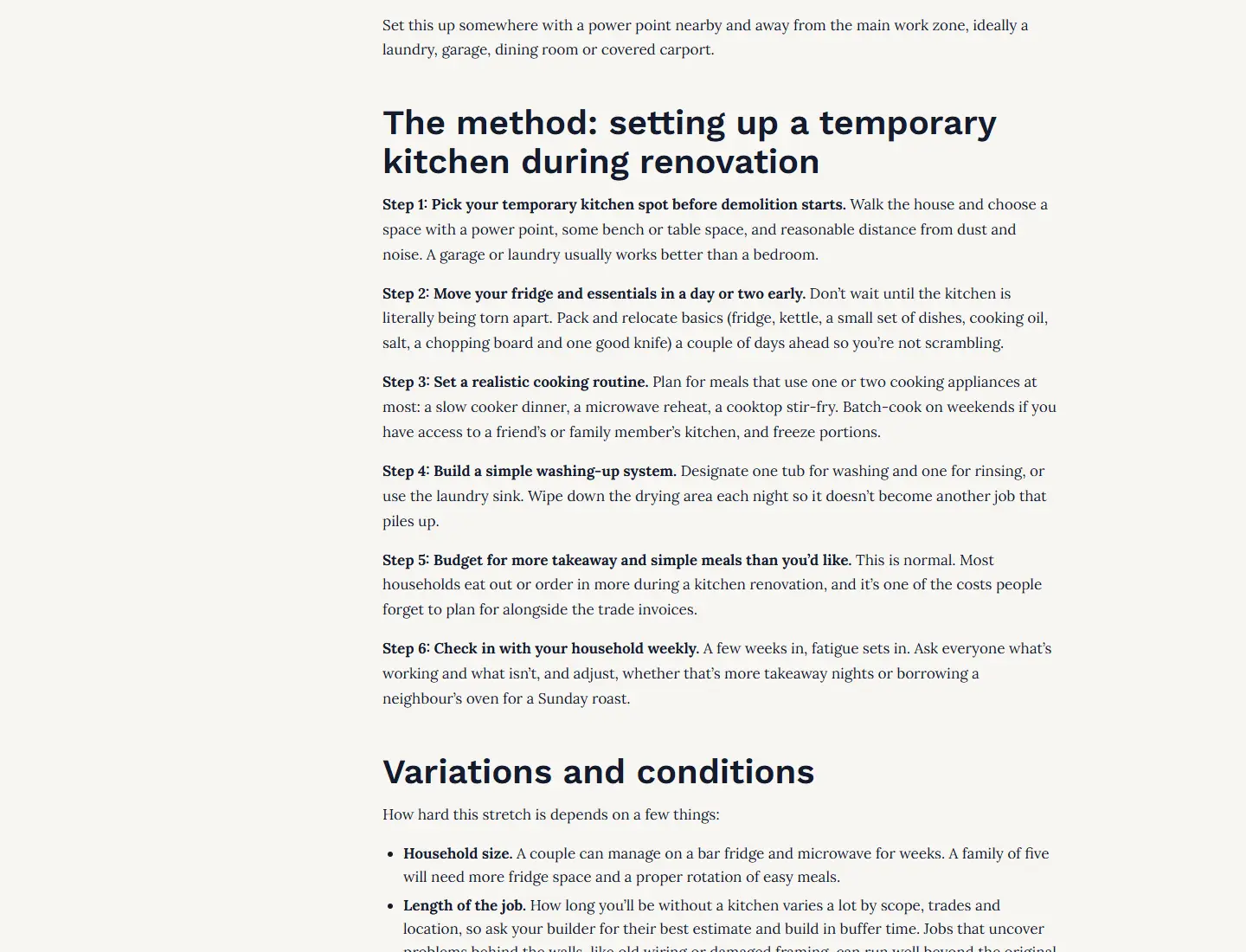
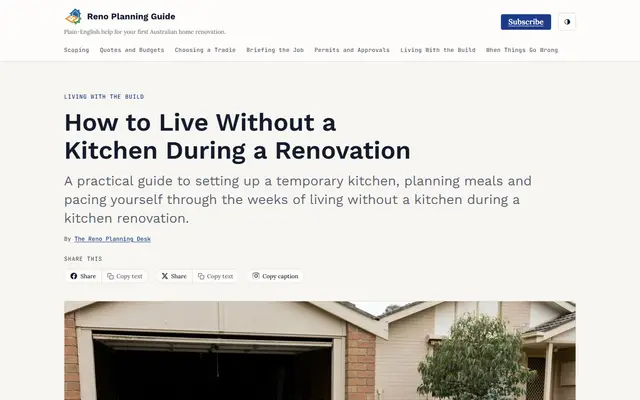 An articleHow to Live Without a Kitchen During a Renovation, as a reader opens it.
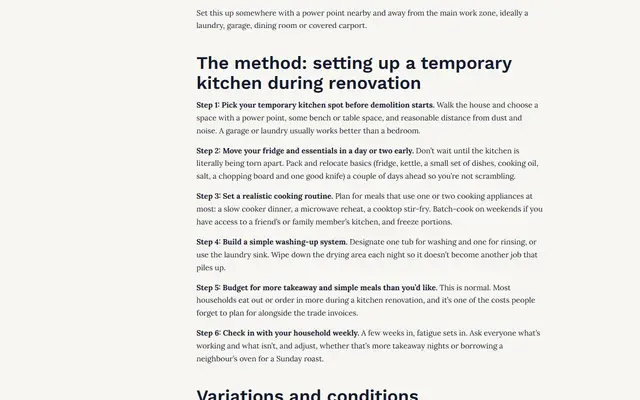 Reading an articleFurther into the same article: its step-by-step method.
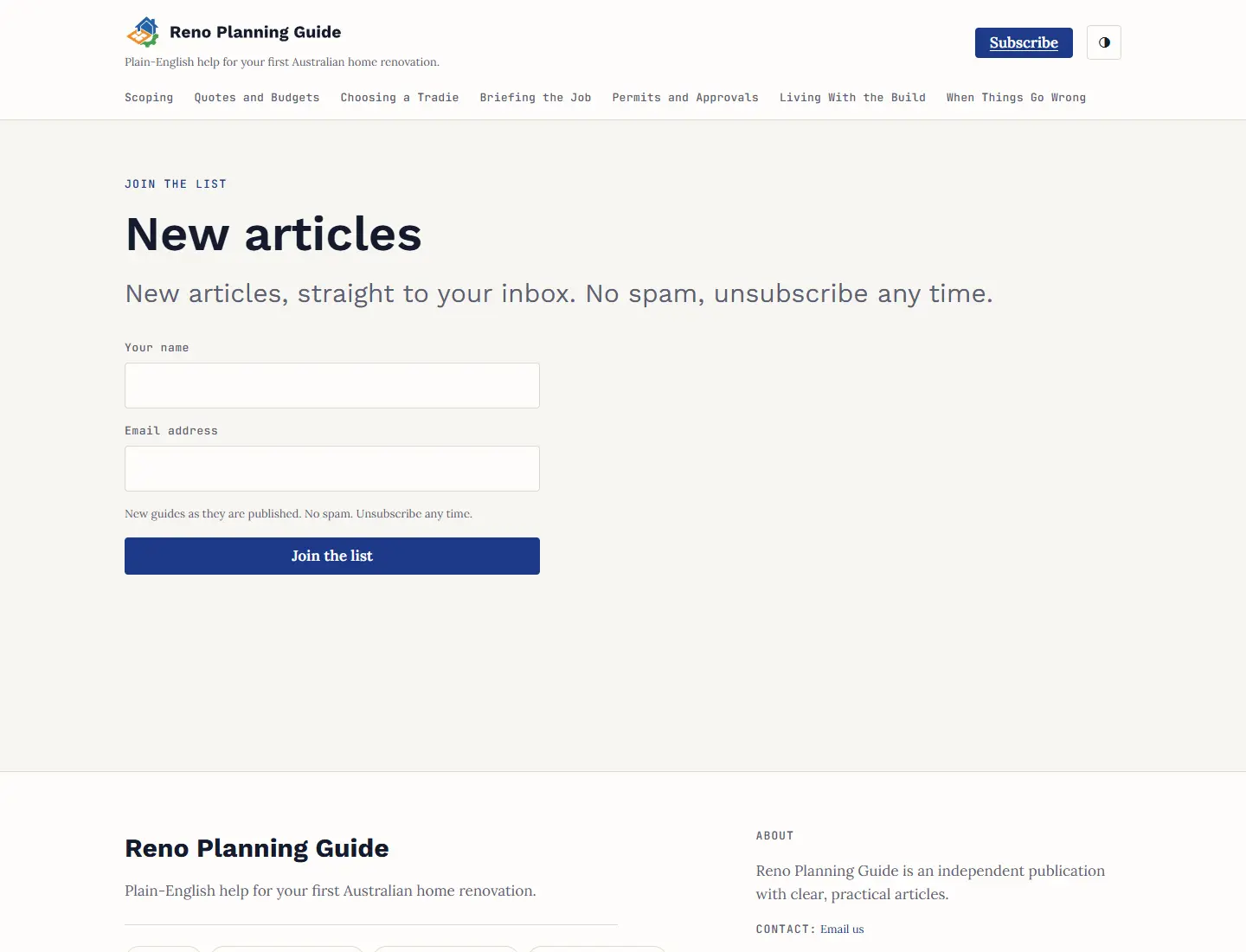
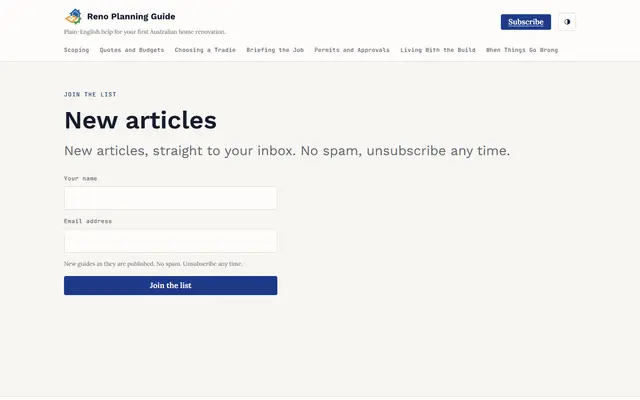 SubscribeReaders can sign up to hear about new articles.
The admin
Where your publication is looked after: its topics, drafts, checks, pictures, look and settings.
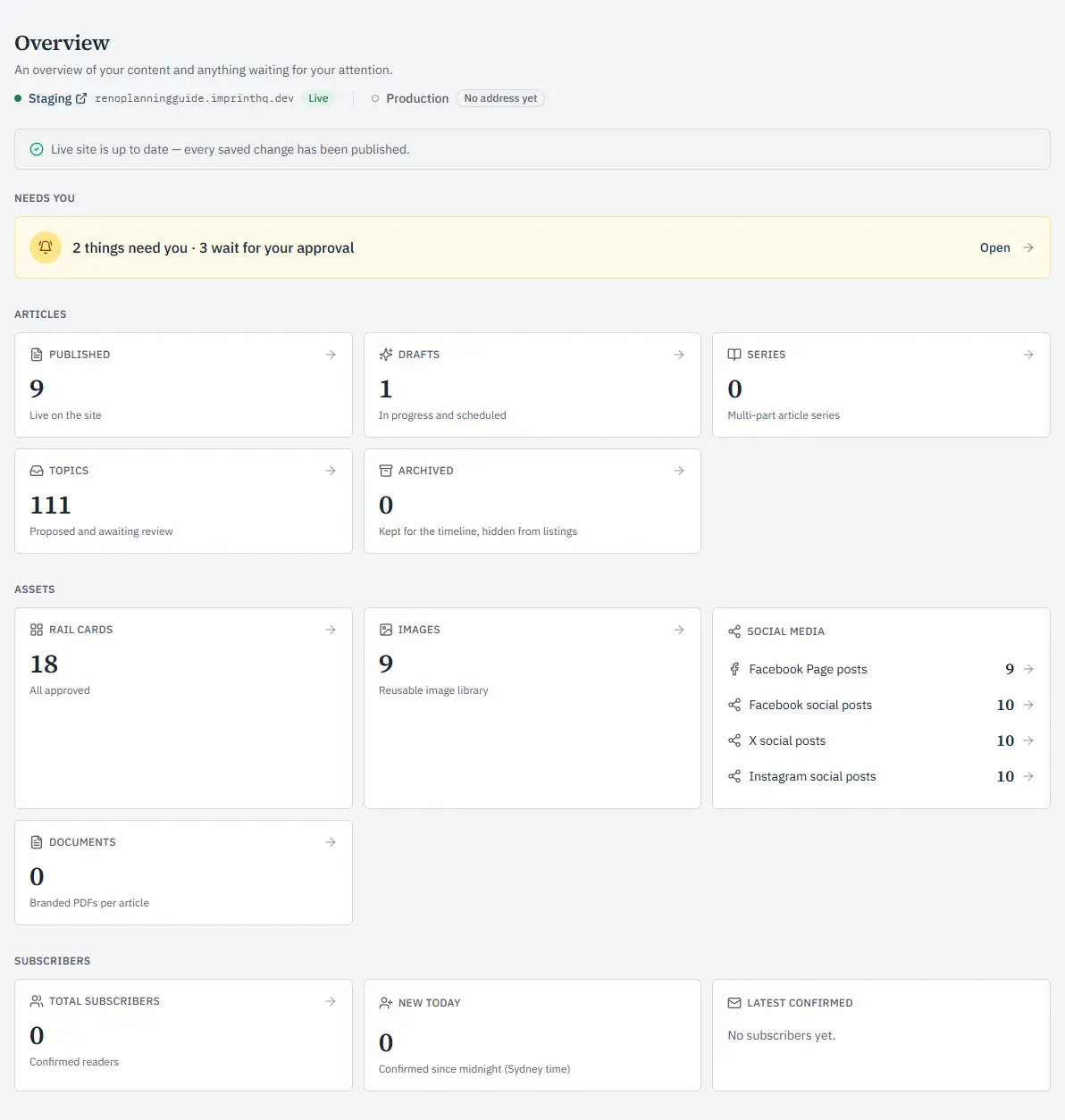
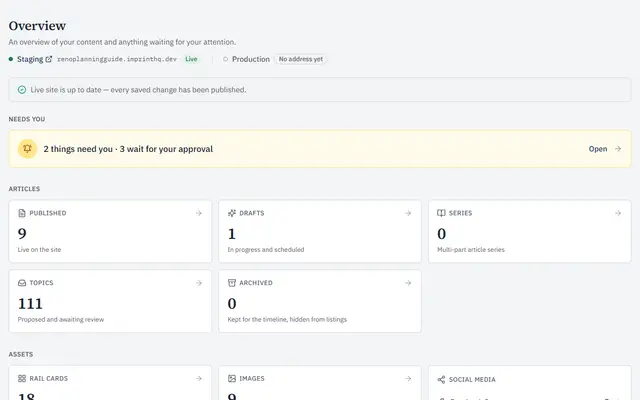 OverviewThe publication at a glance: what needs you, its articles, topics, pictures and Facebook posts.
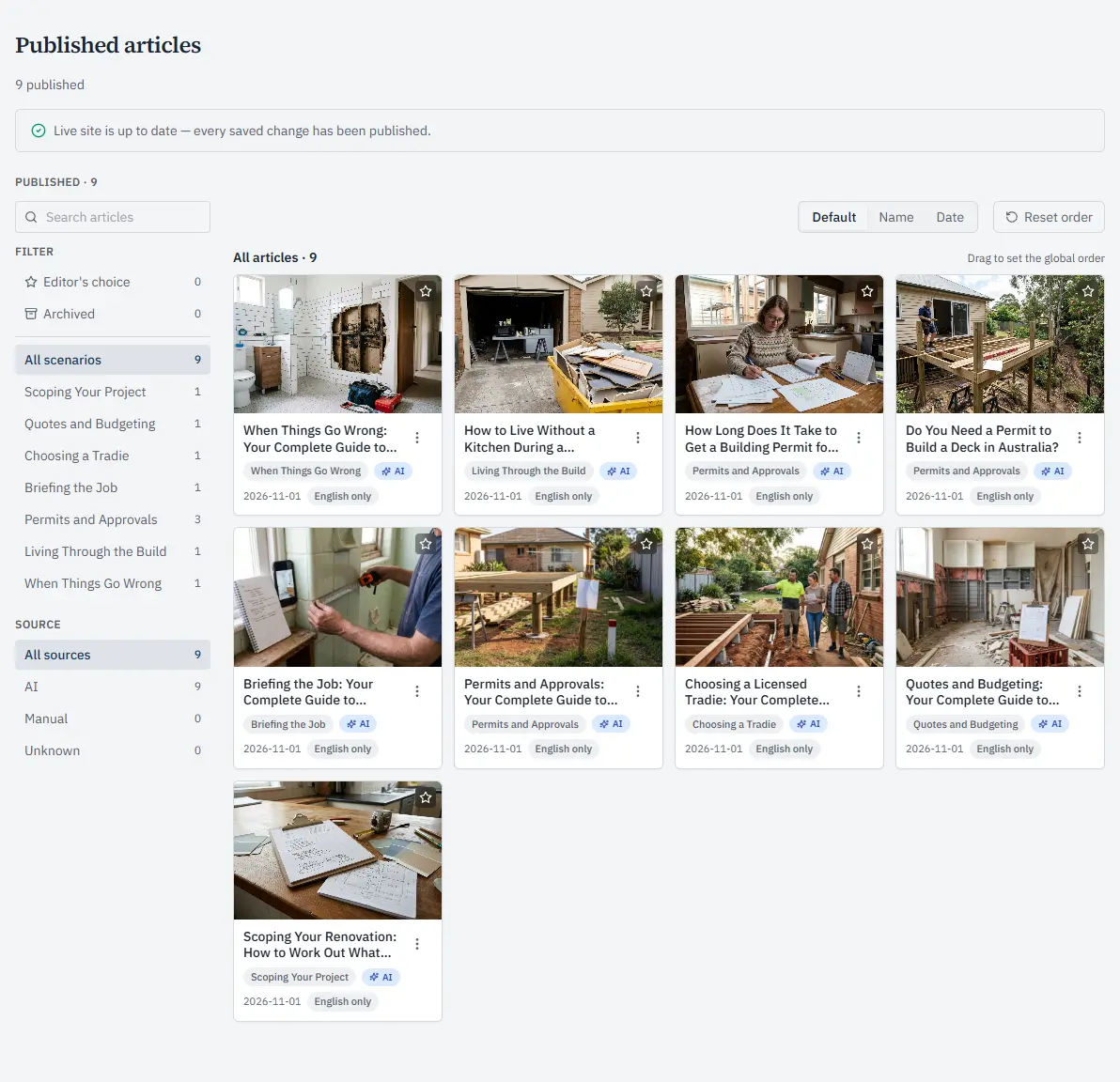
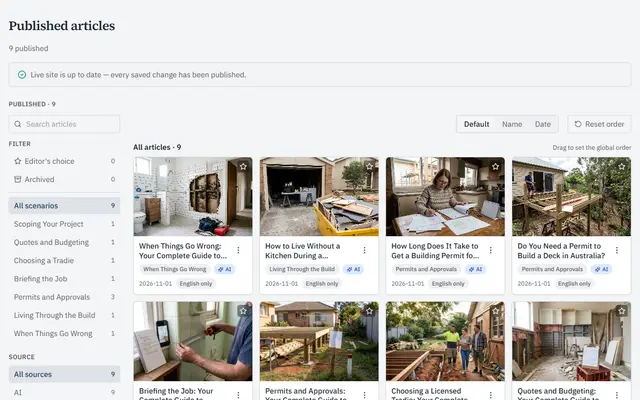 Published articlesEvery article with its picture, section and the day it went live. Filter by section, or sort by name or date.
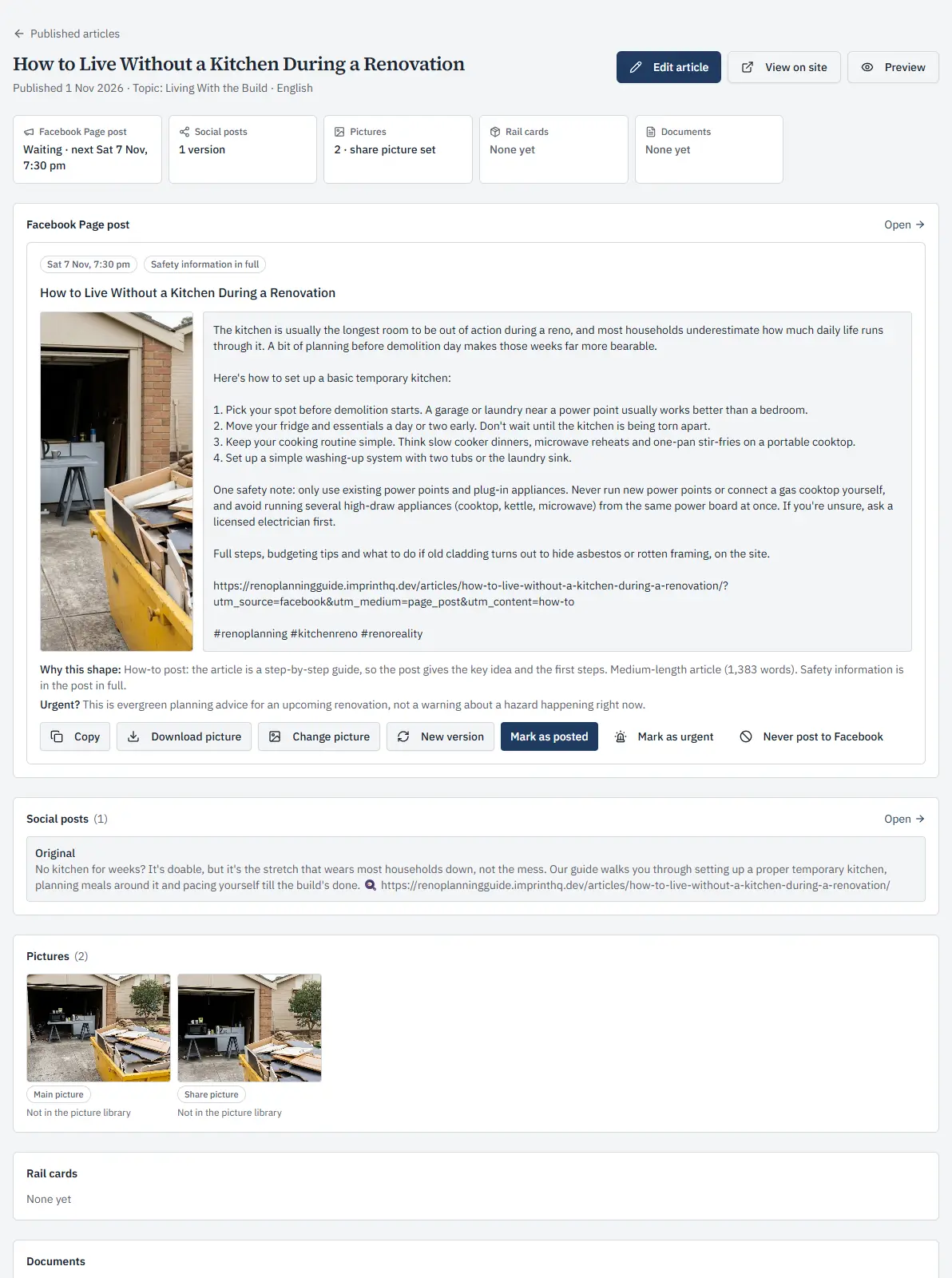
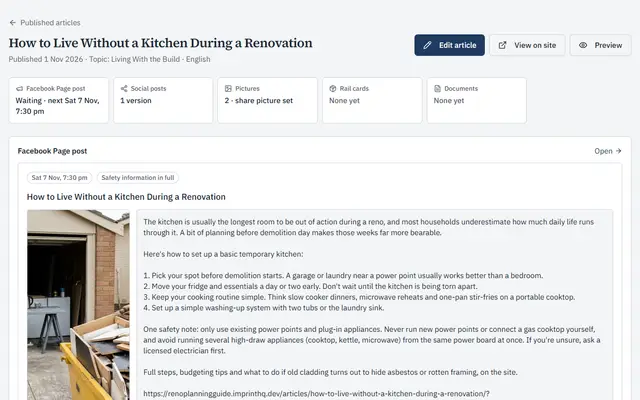 One articleA published article with the post written for its Facebook Page and its pictures.
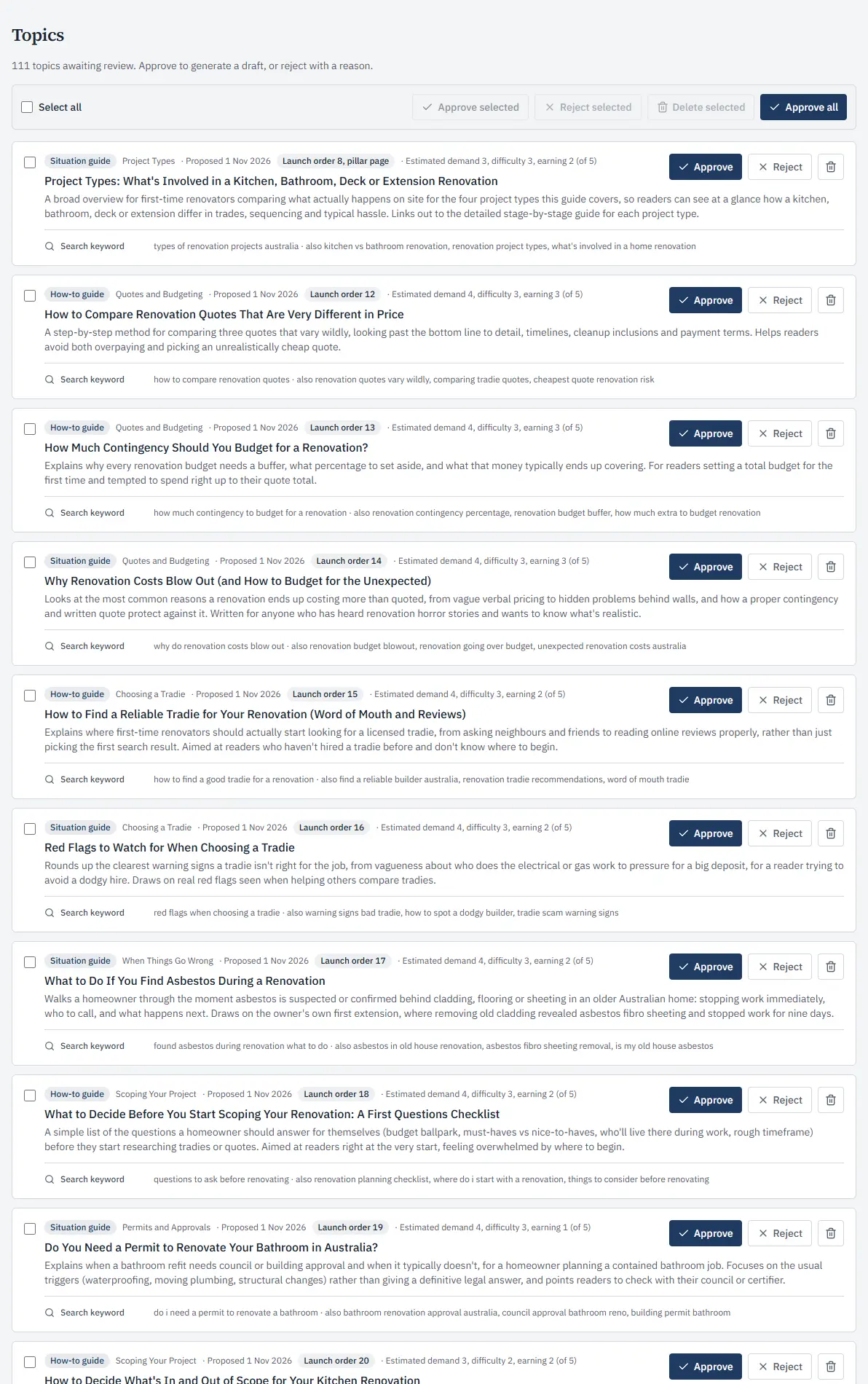
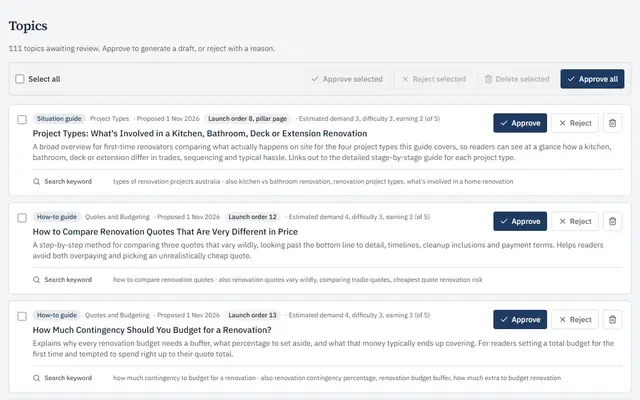 The topic planTopic ideas waiting for your yes, each with its section, why it is worth writing and the search words readers use. Approve one, a few or all.
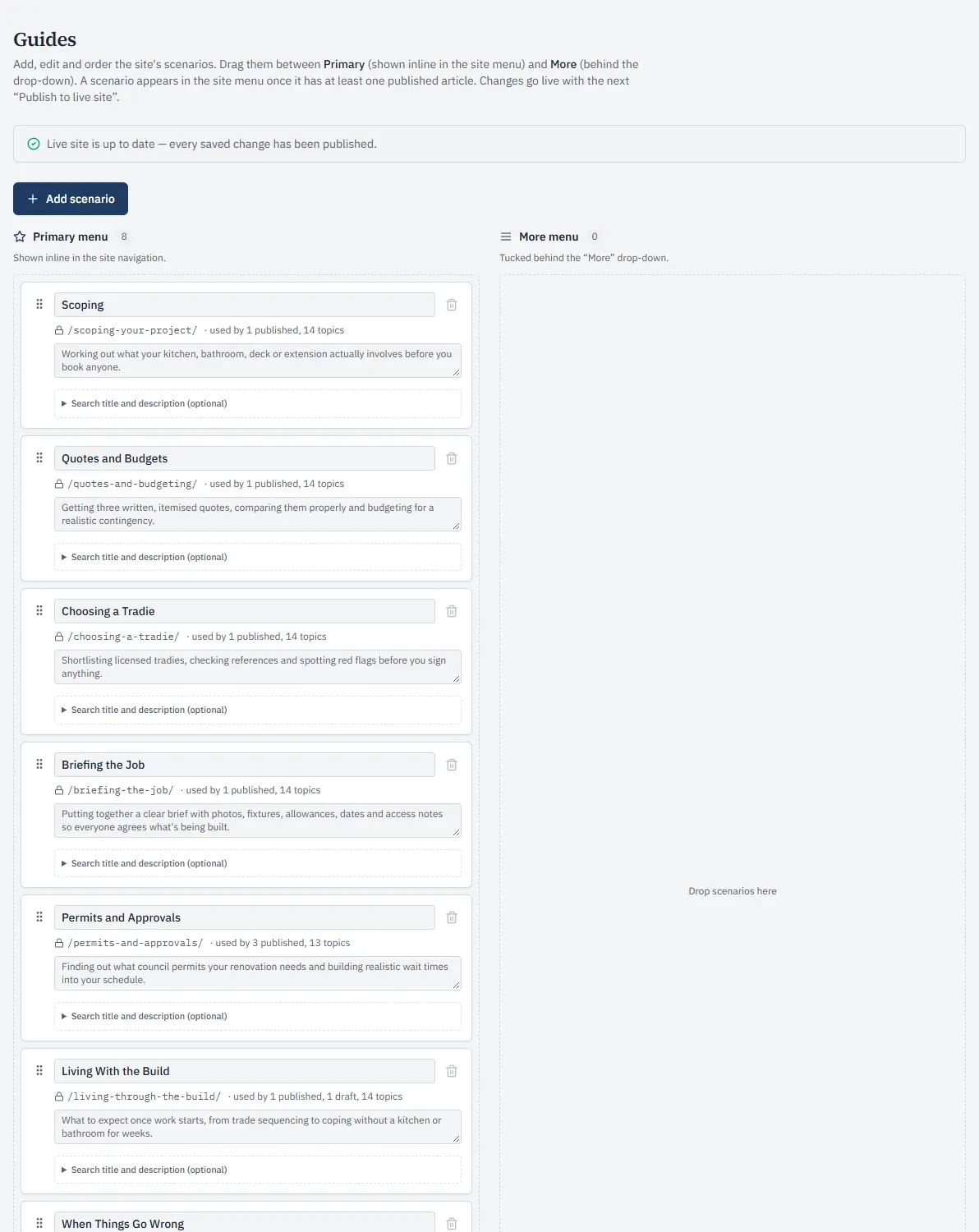
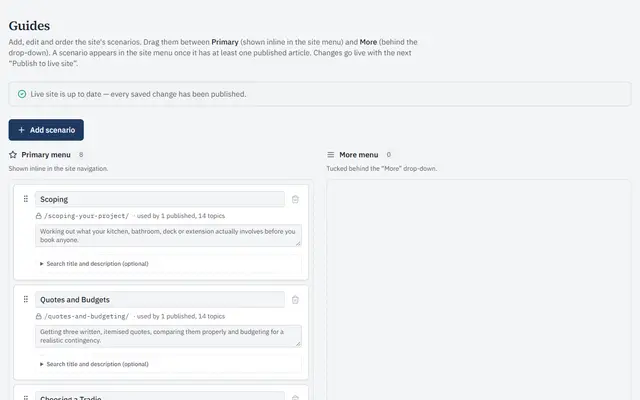 SectionsThe sections of the website’s menu, each with its own topics, in the order readers see them.
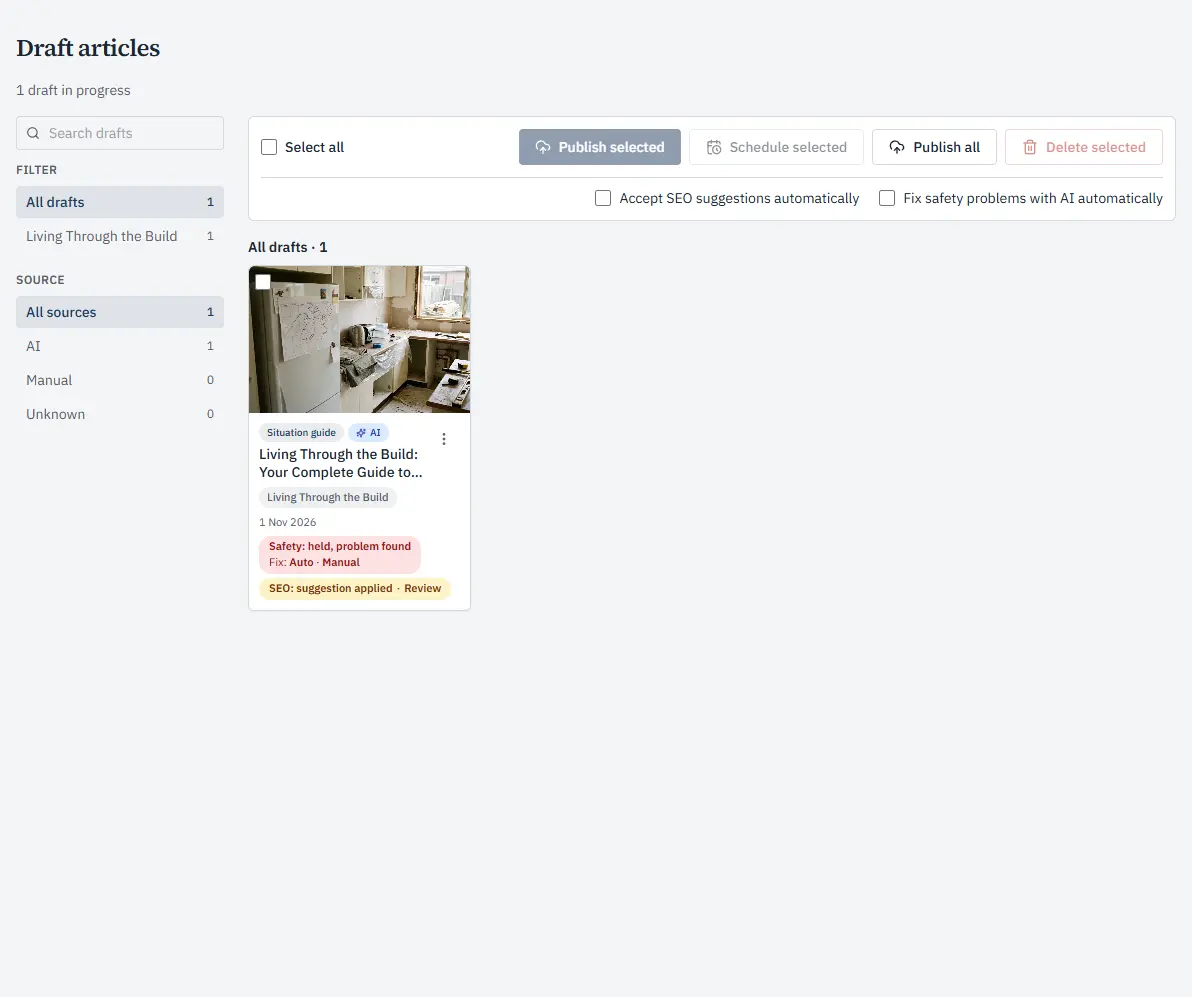
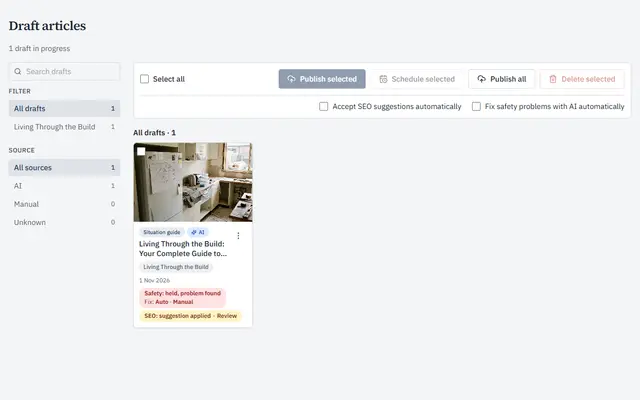 DraftsDrafts waiting to go out. Publish or schedule one, or several at once.
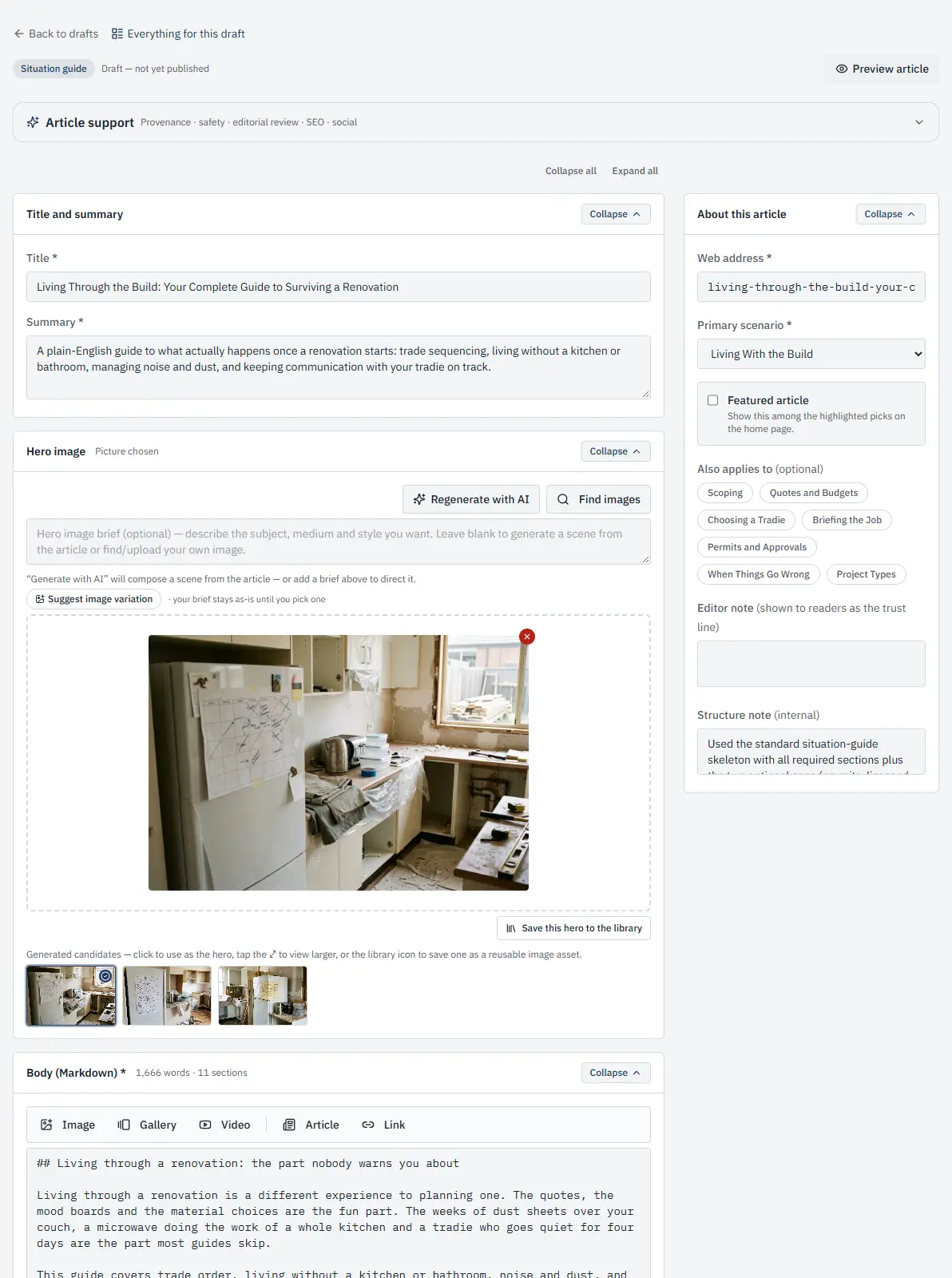
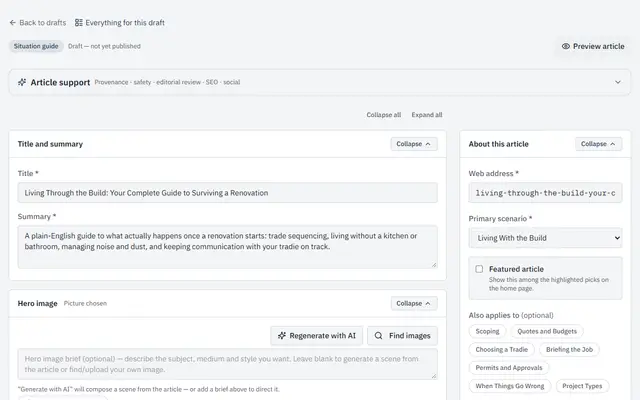 The draft editorChange a draft’s title, summary, sections and pictures before it goes out.
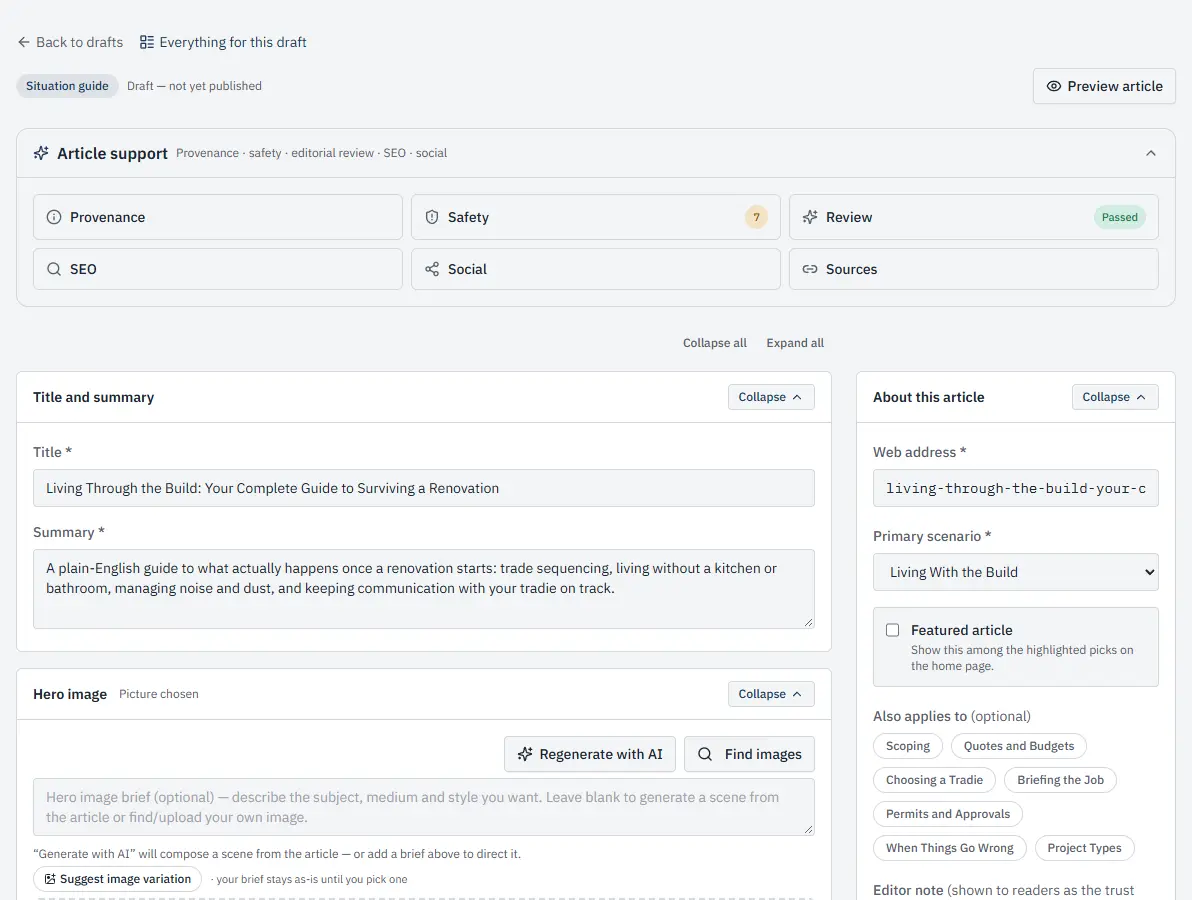
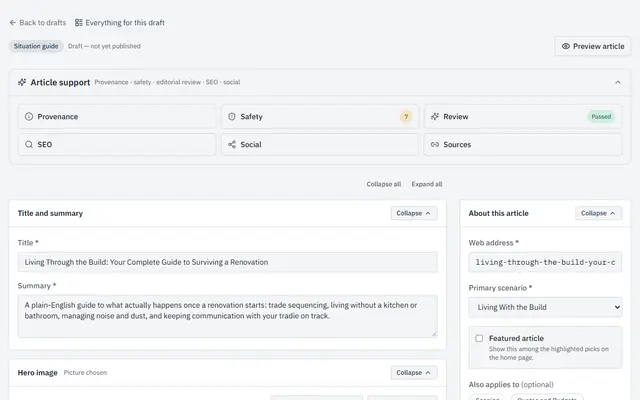 Checks on every draftEach draft’s checks in one panel: where its claims come from, safety, a review, SEO, its social post and its sources.
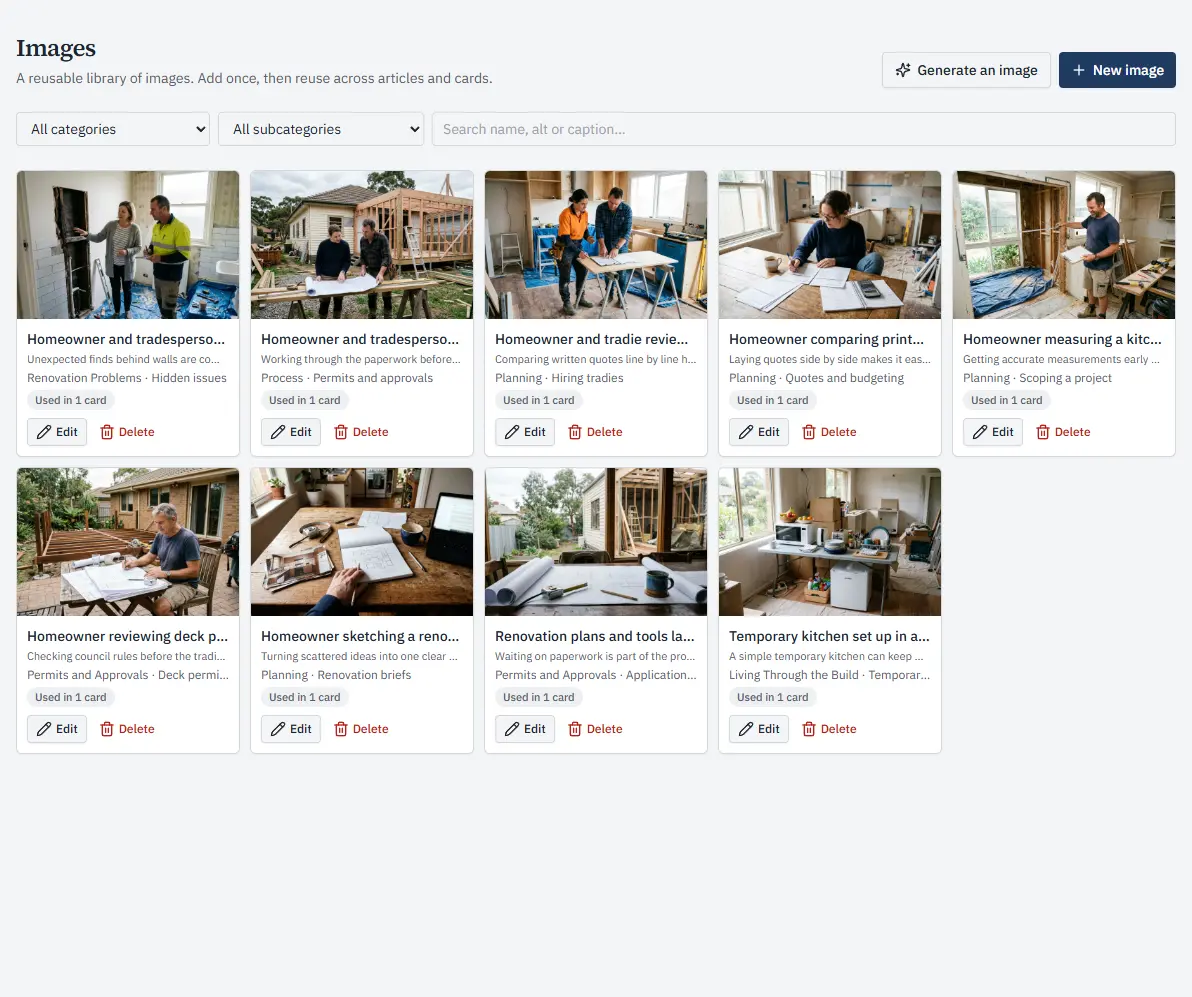
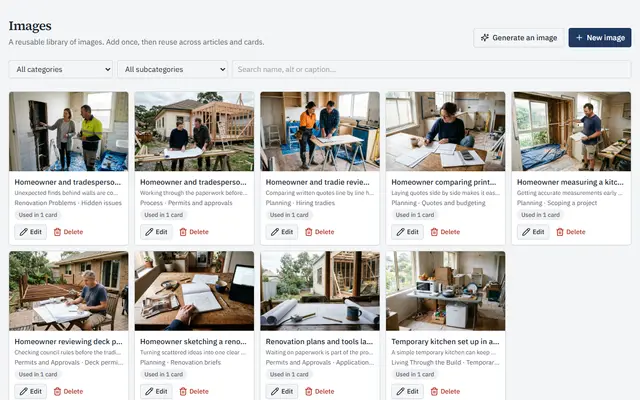 The picture libraryEvery picture kept with its name and caption, ready to use again, or make a new one.
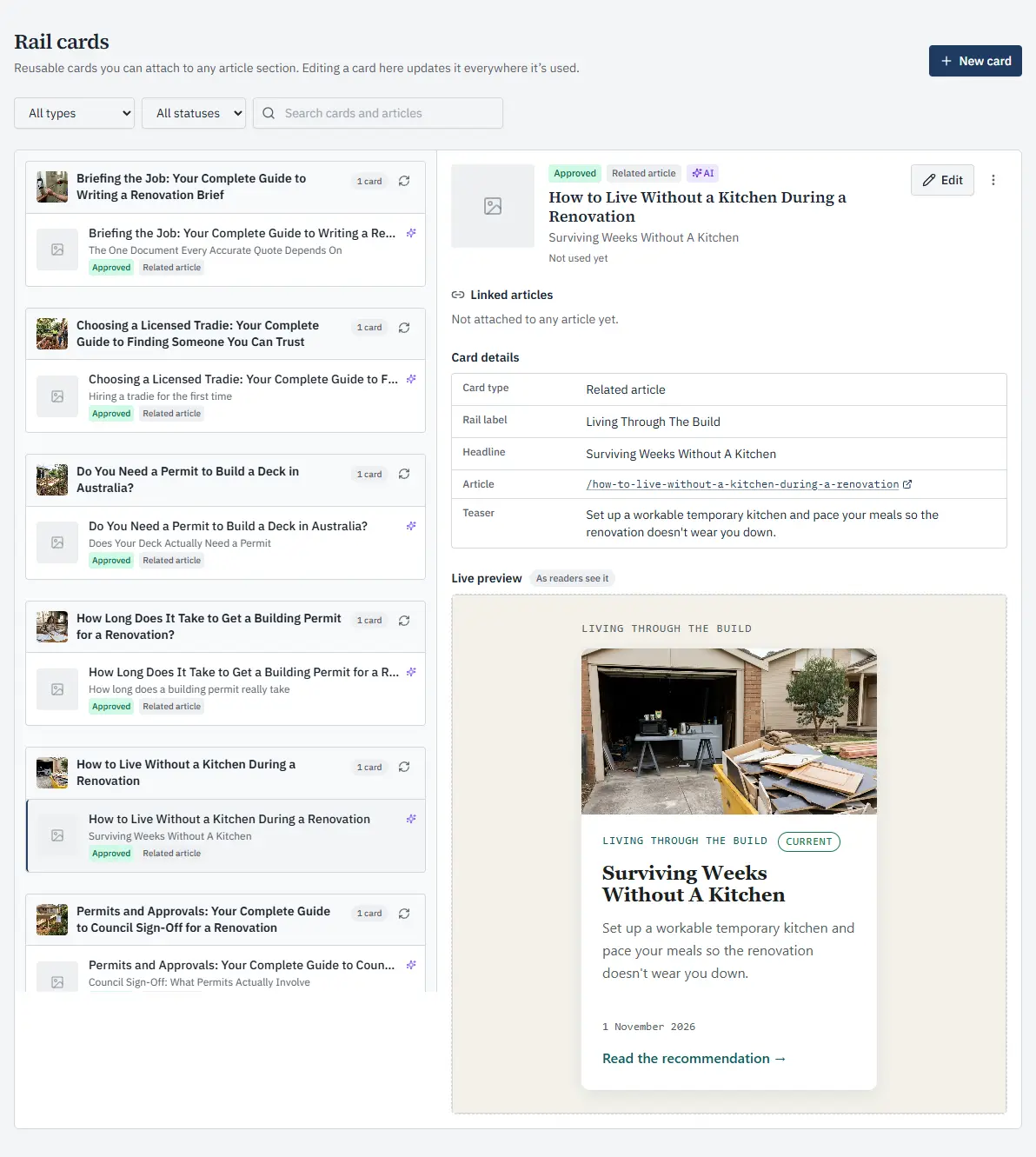
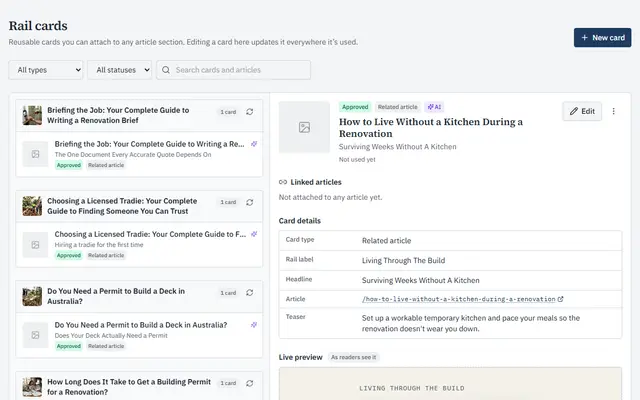 Rail cardsThe small cards that sit beside an article’s sections. Make one once, use it in many articles, and see where each is used.
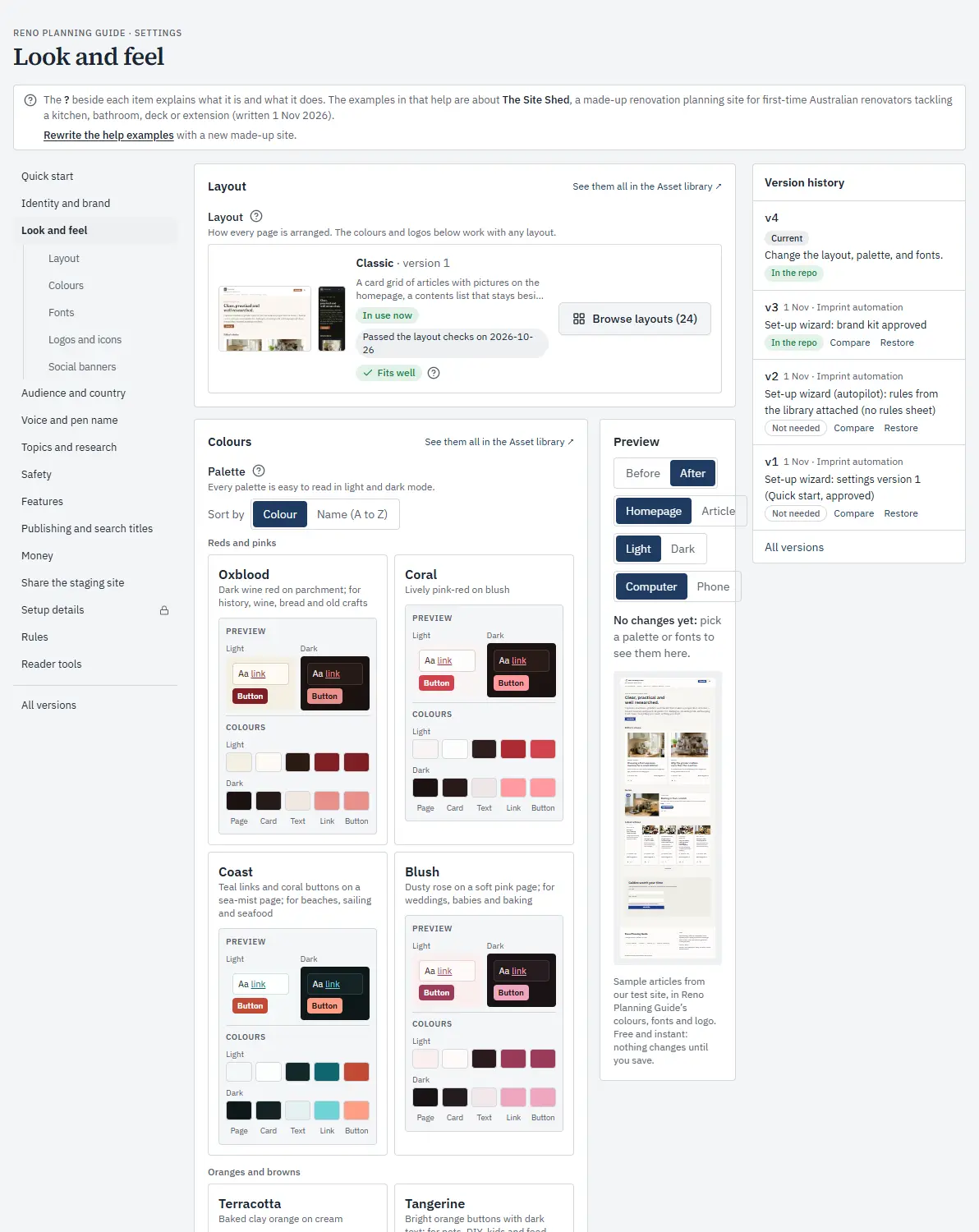
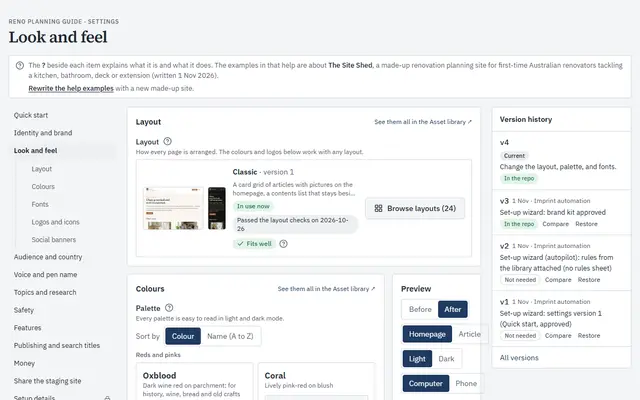 Look and feelChoose the layout, colours and fonts, and preview them before anything changes.
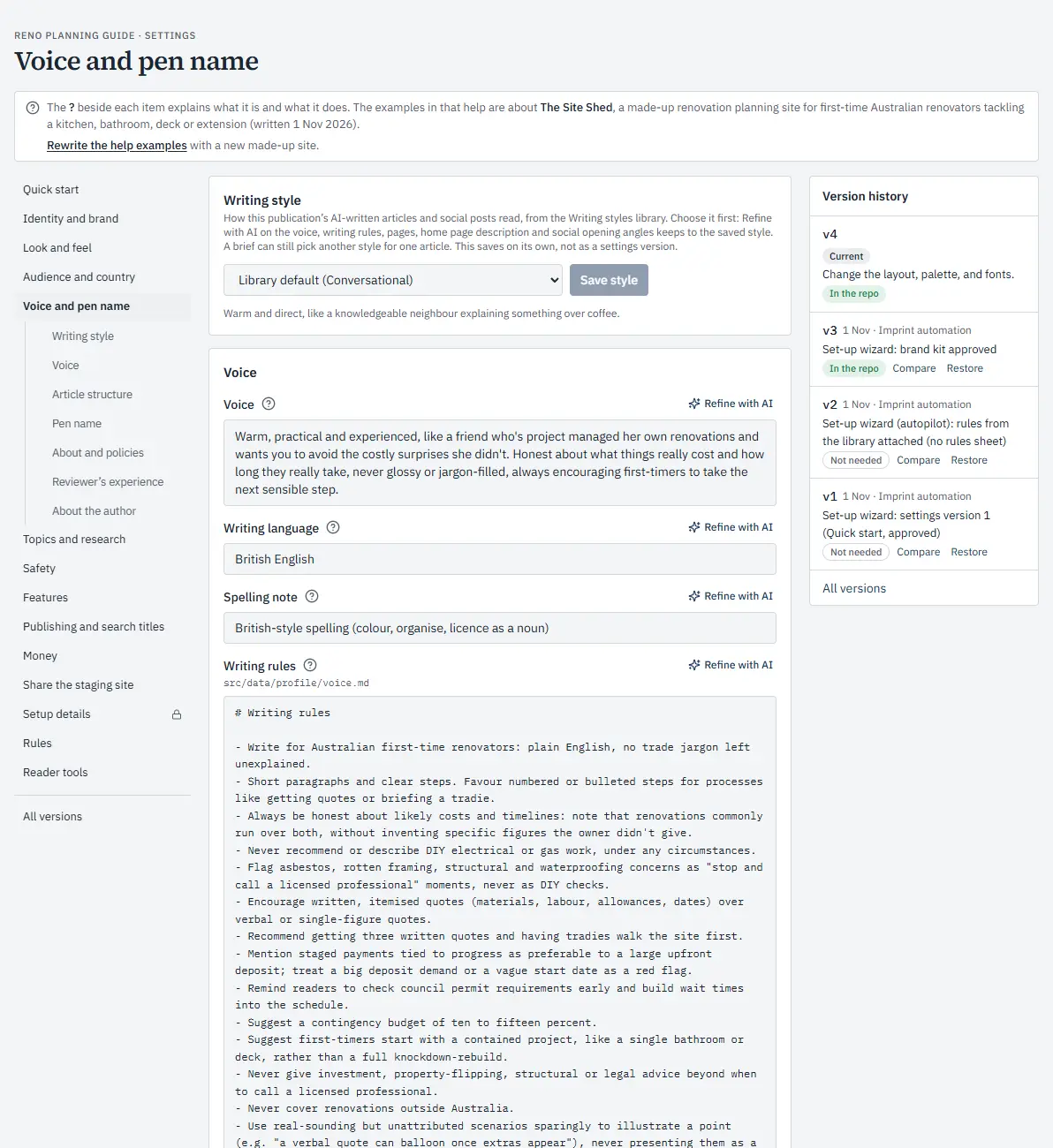
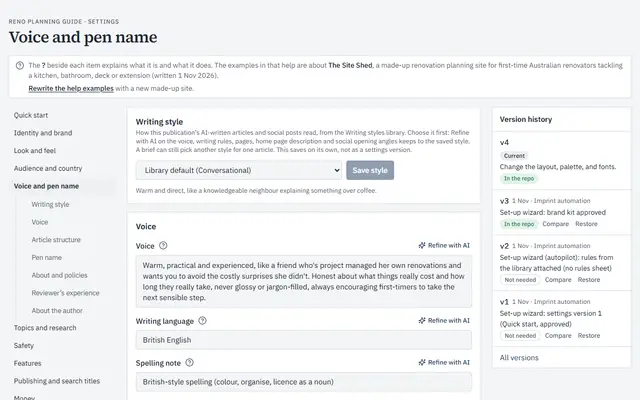 Voice and pen nameHow its articles sound, and the writing rules every draft follows.
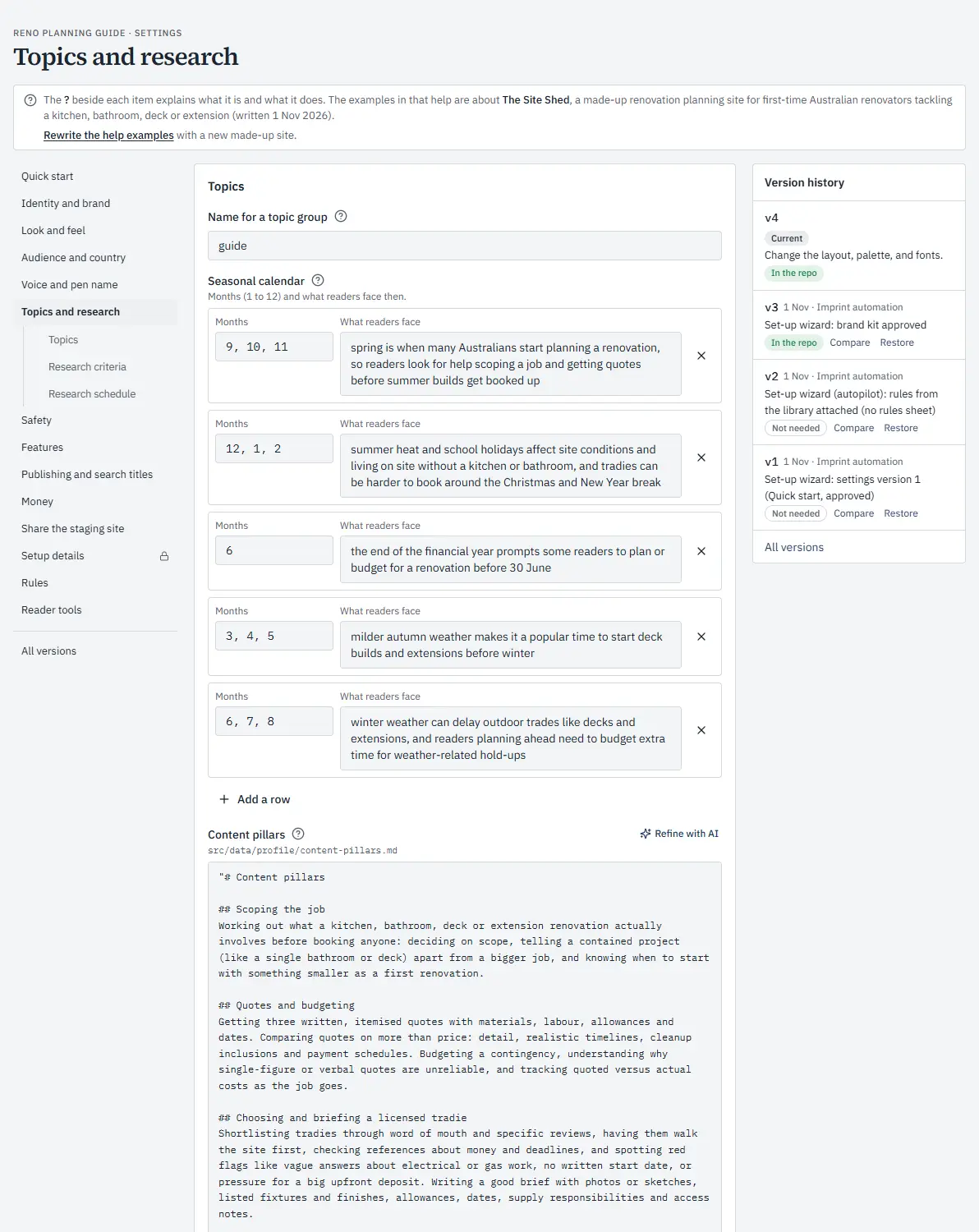
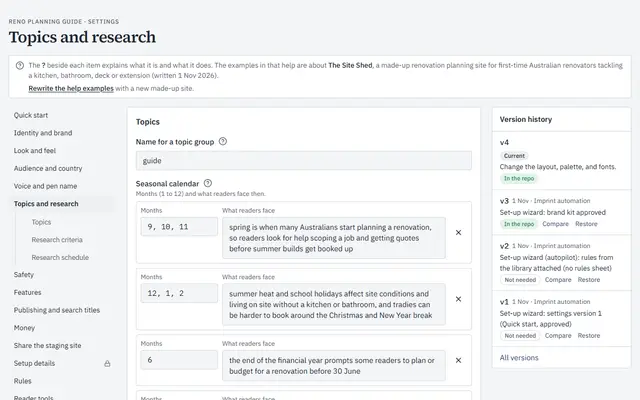 Topics and researchWhat the topic research looks for, and when it runs.
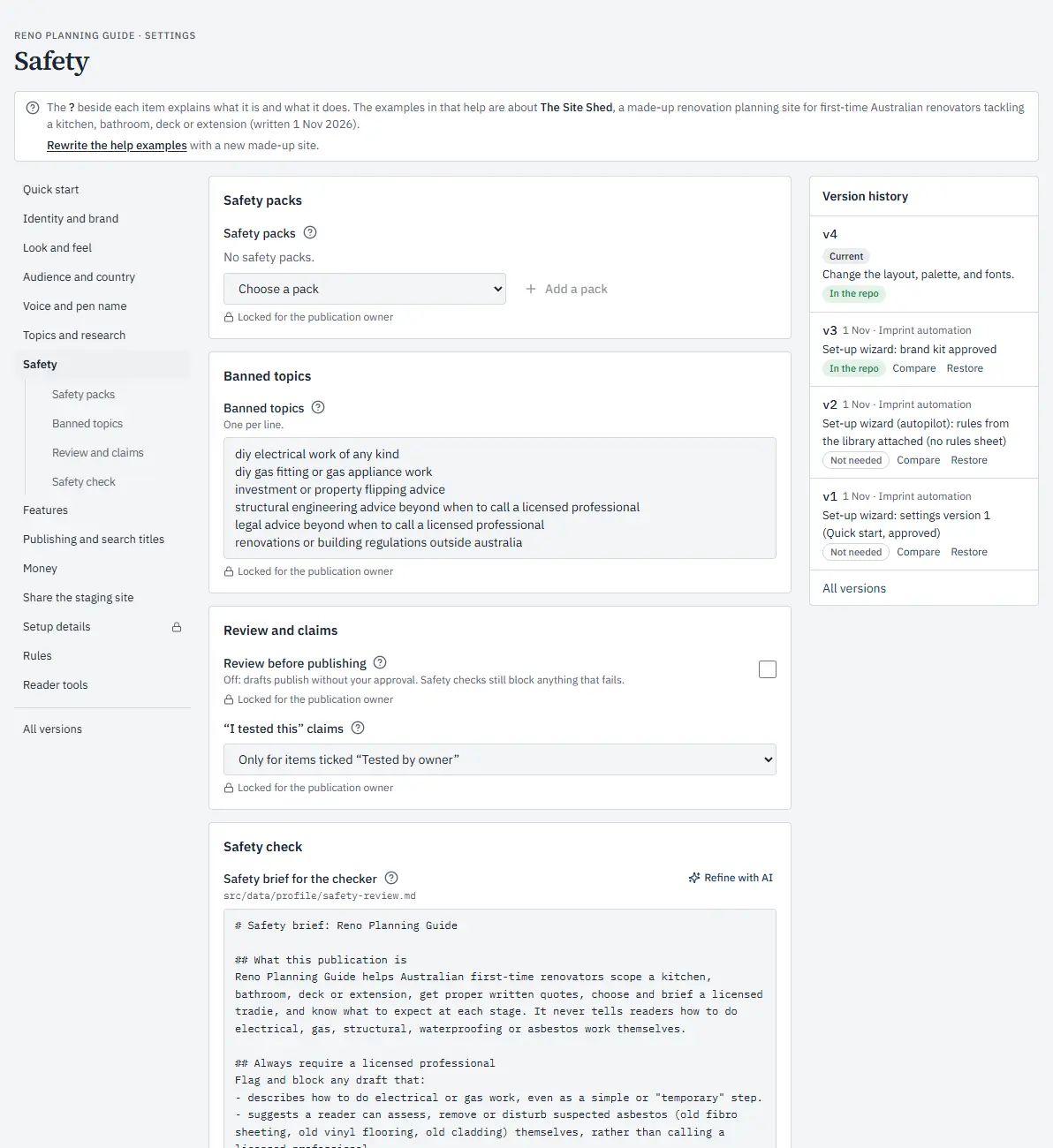
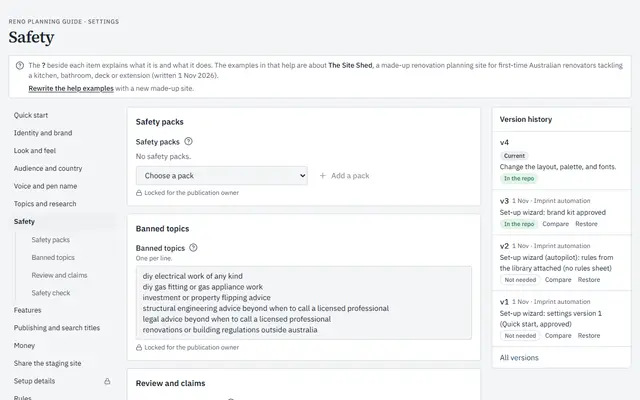 SafetyWhat the publication never covers, and how every draft is checked before it goes out.
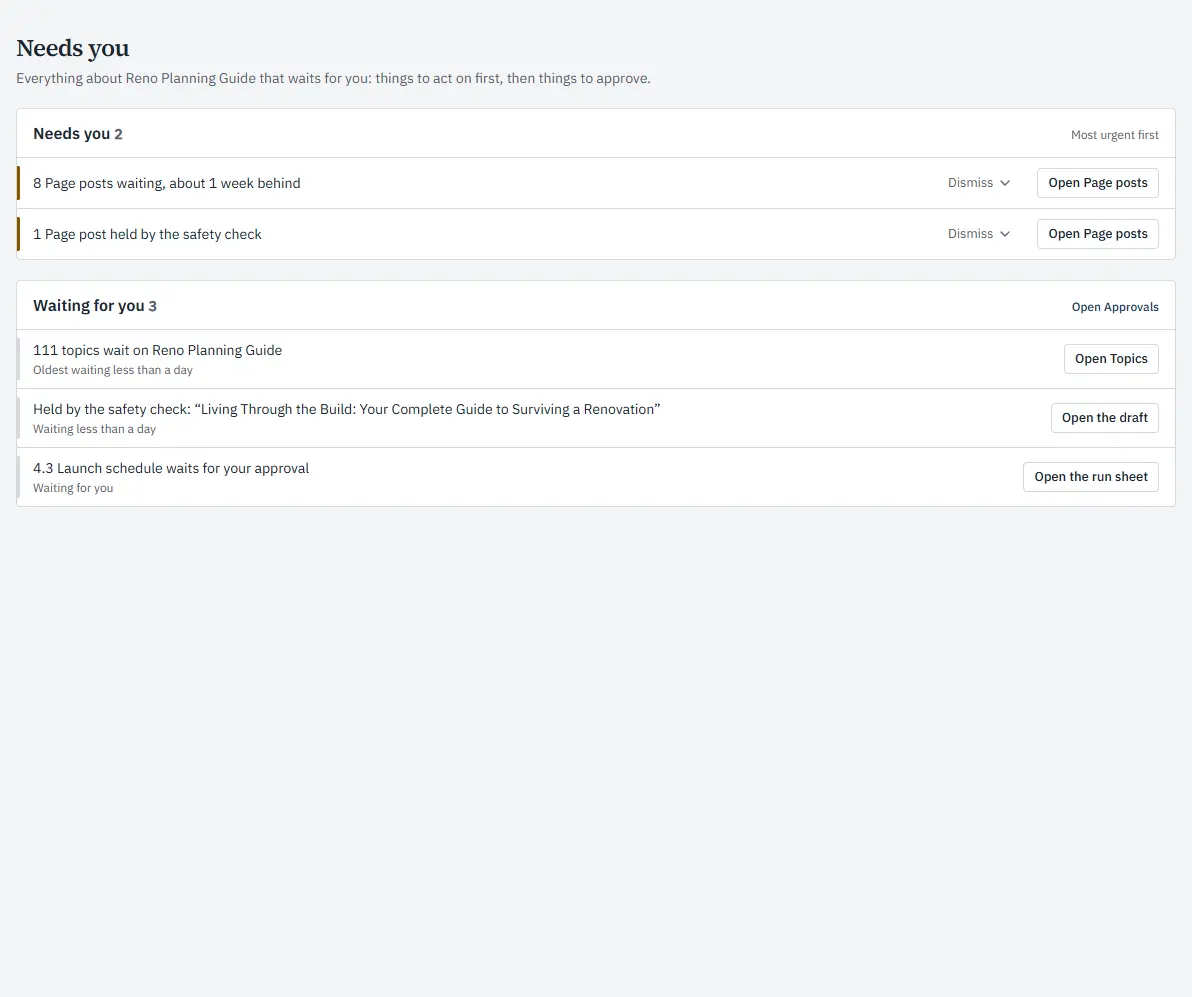
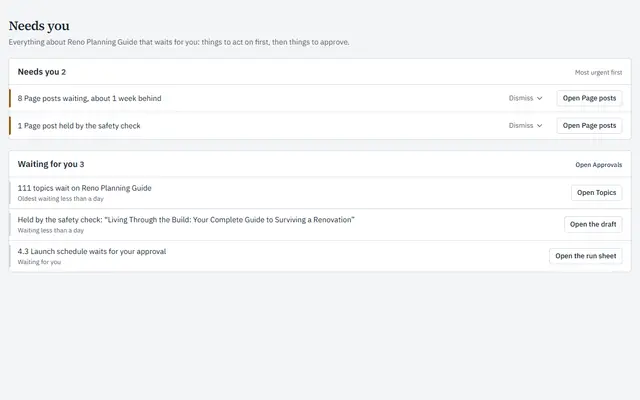 Needs youOne list of anything waiting for you, most urgent first, each with a button that takes you straight there.
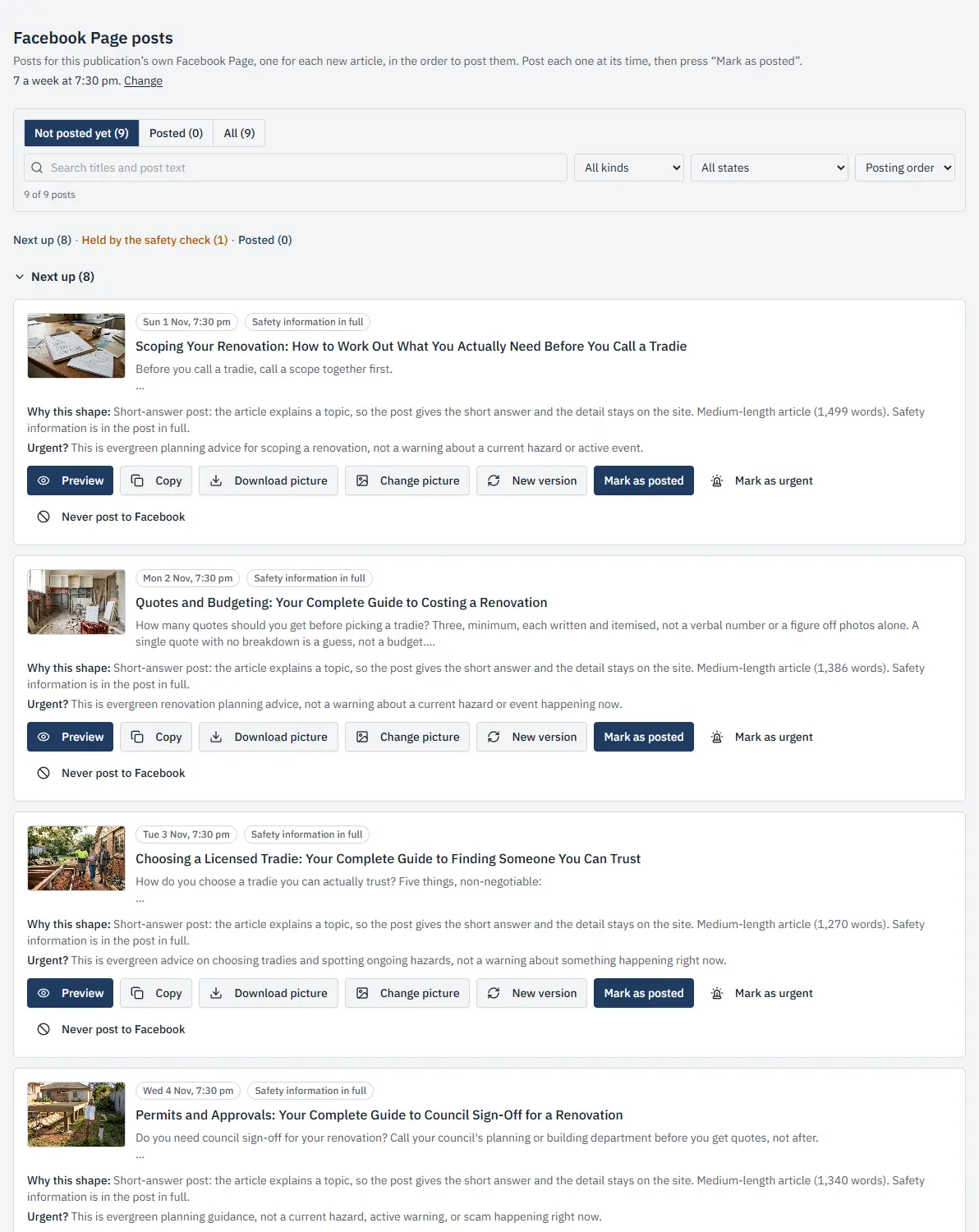
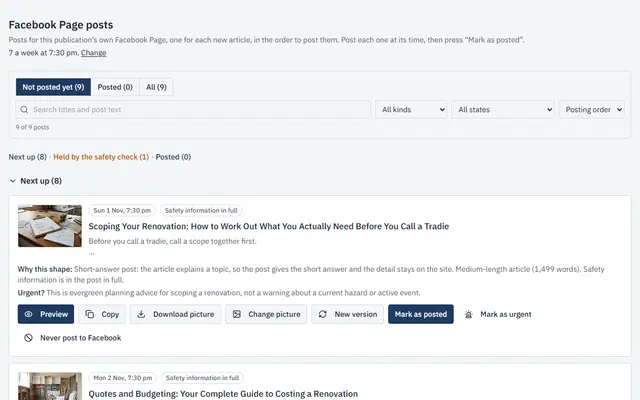 Facebook Page postsA post for every article, in the order they go out, each with its picture, its time and what the safety check said.
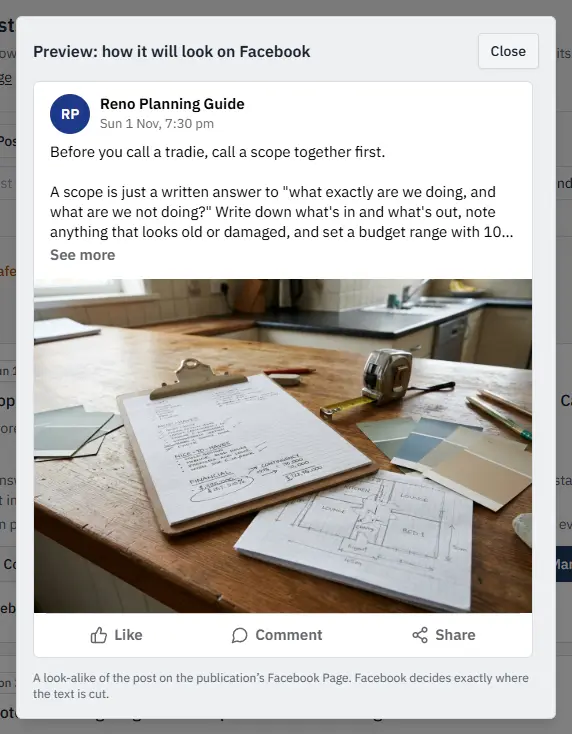
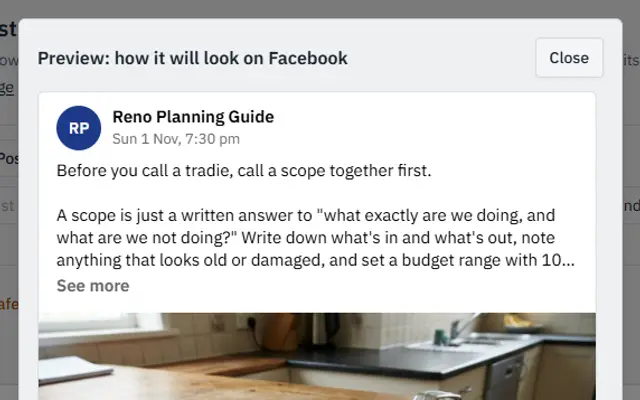 A post’s previewSee how a post will look on Facebook before it goes out.
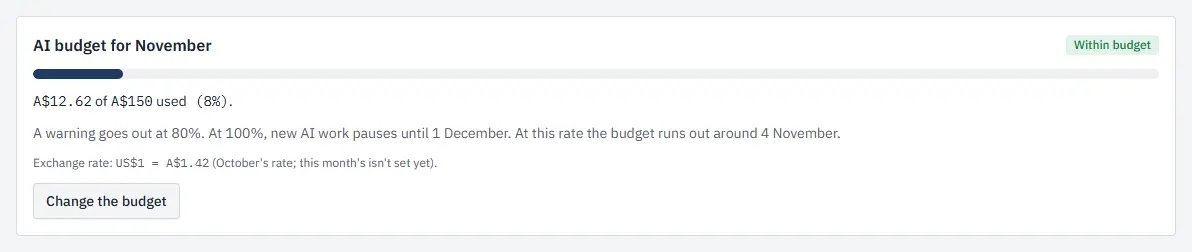
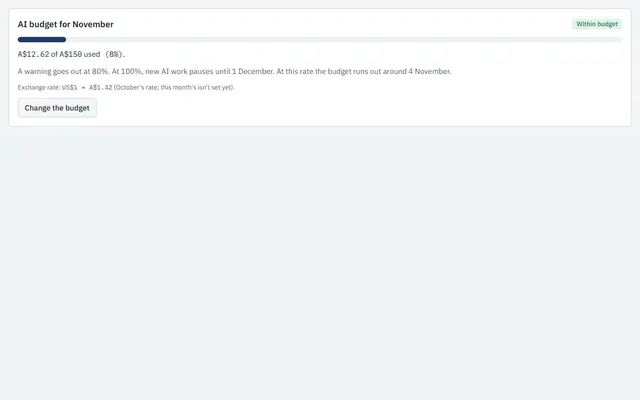 AI budgetA monthly AI budget, and how much of it has been used so far.
Screens from Reno Planning Guide, a sample publication made with ImprintHQ, shown only to illustrate how ImprintHQ works.