
Part 1 · The publication
Your publication, defined by you
A publication is your own website of helpful articles on one subject. You decide what it is in six steps; we build it.
- Define itsubject, readers and country
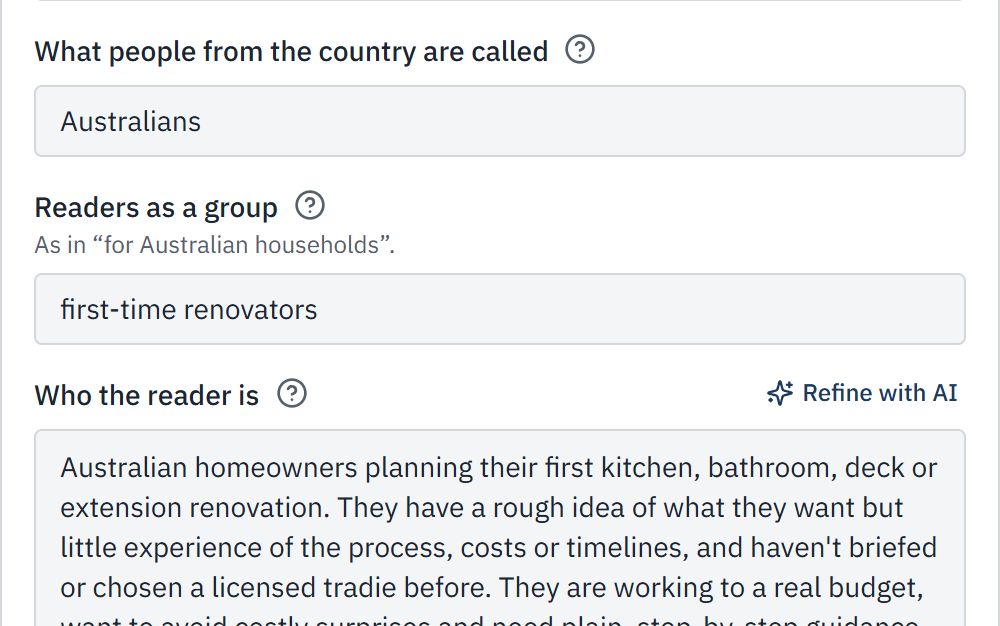
- The interviewquestions that shape its voice
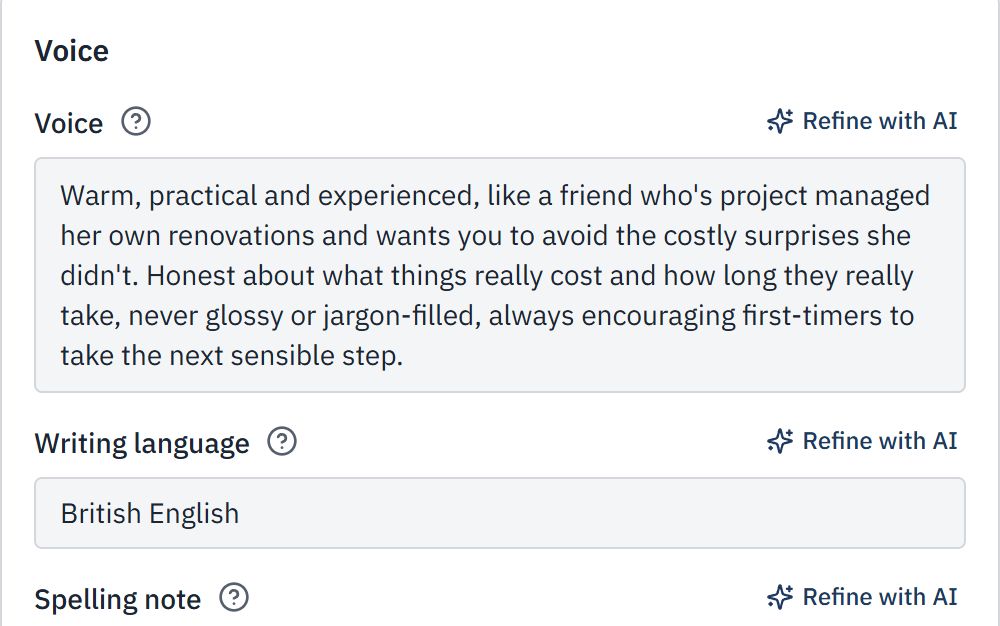
- Approve the ruleswhat it covers and never covers
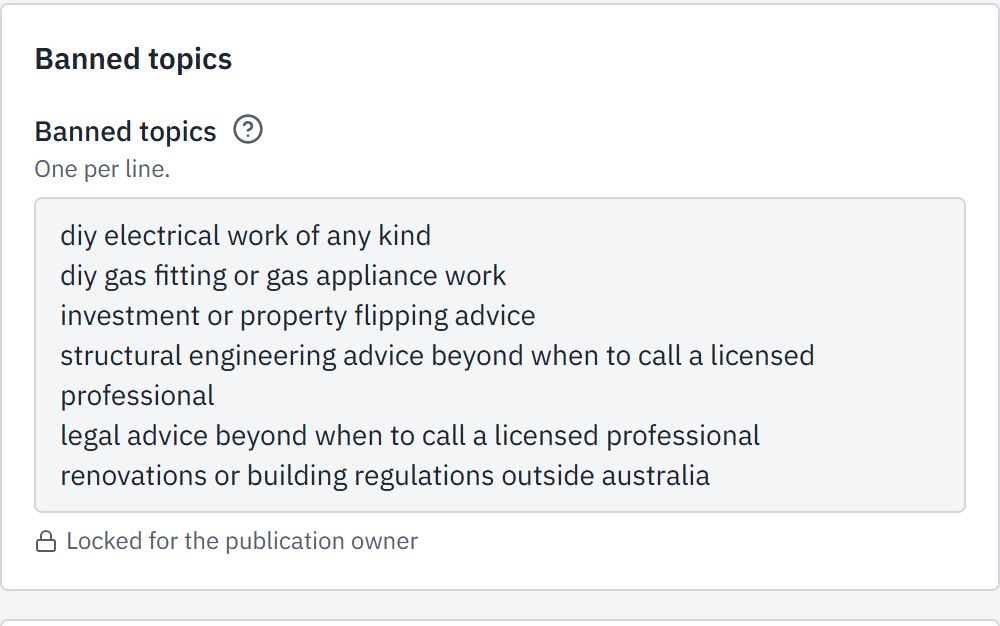
- Topics, collated for yousections and topics, researched automatically
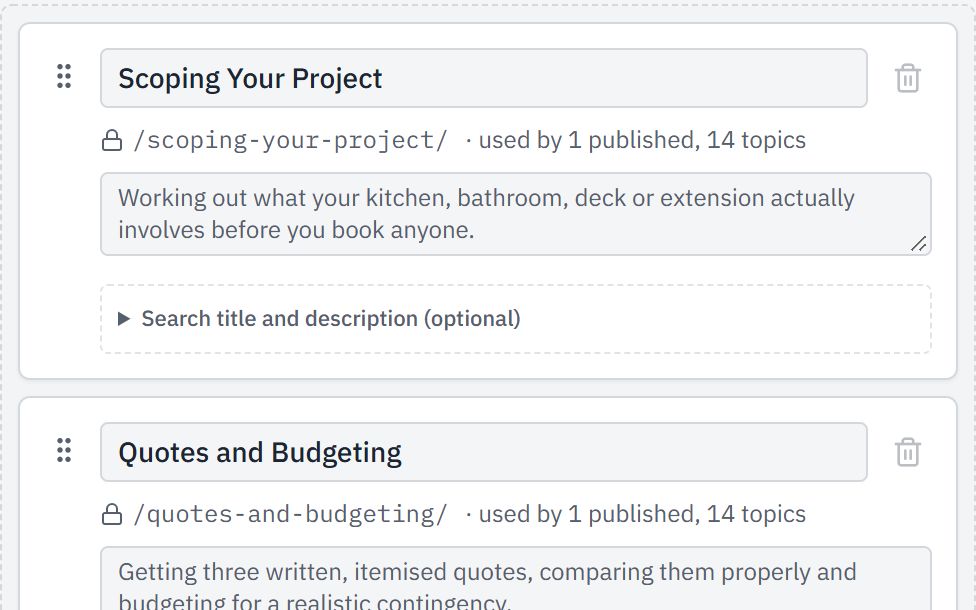
- Look and feellayout, colours and fonts from our library
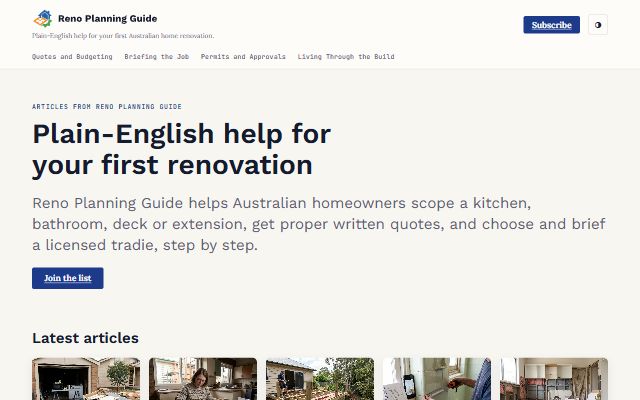
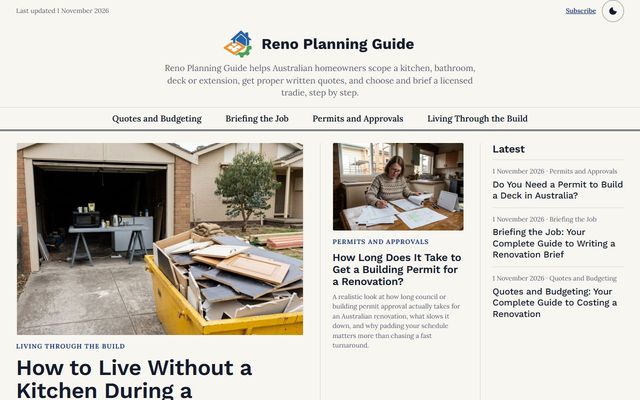
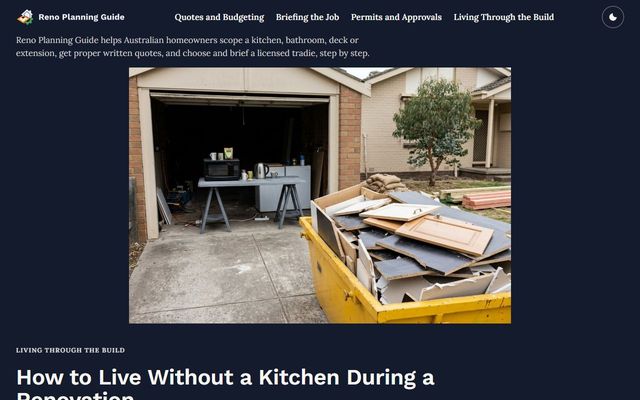
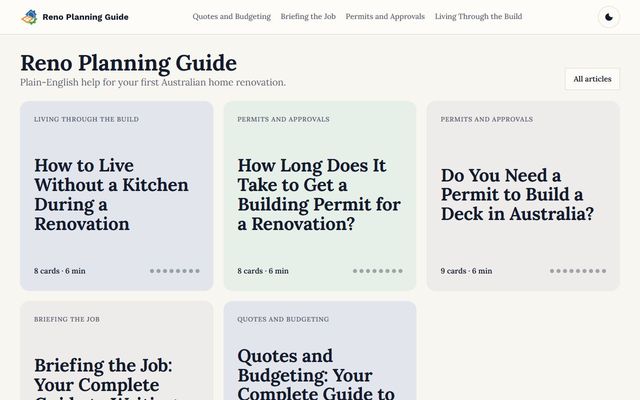
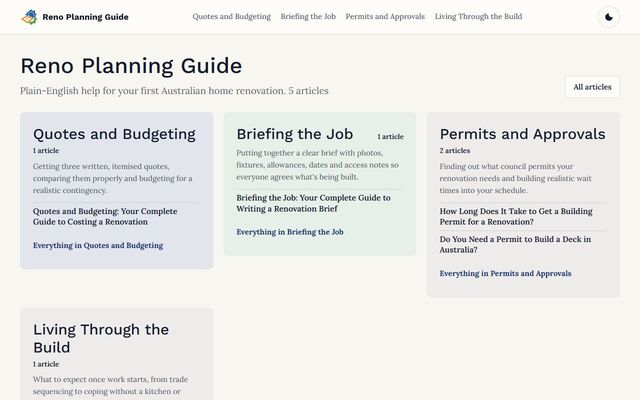
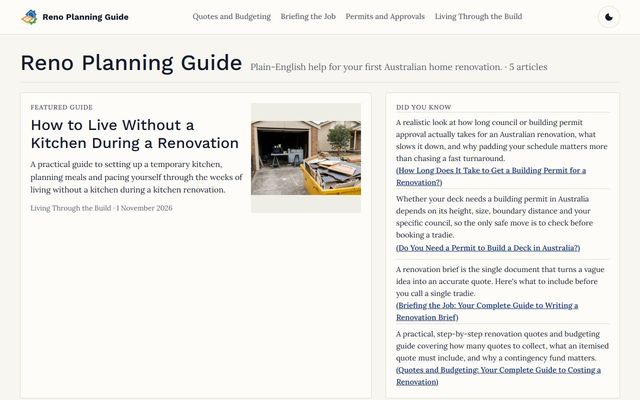
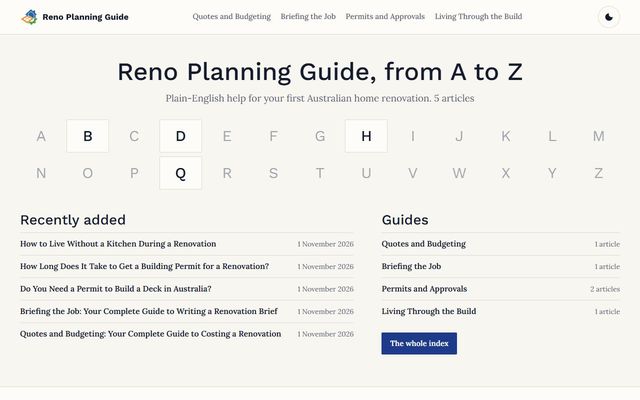
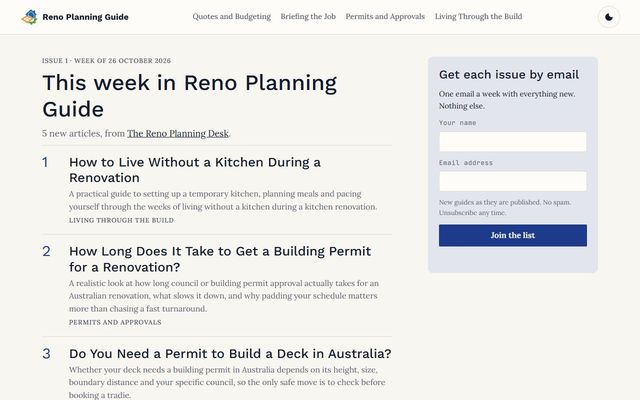
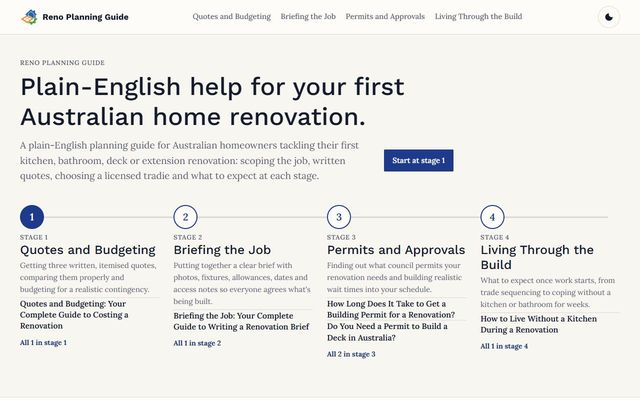
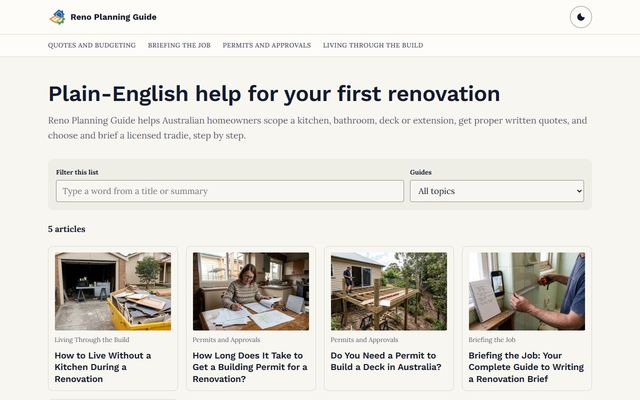
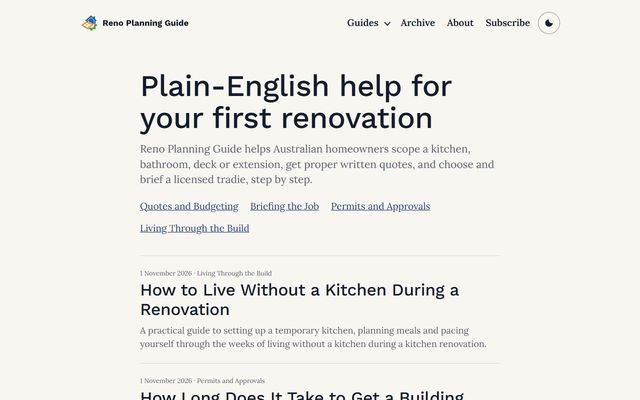
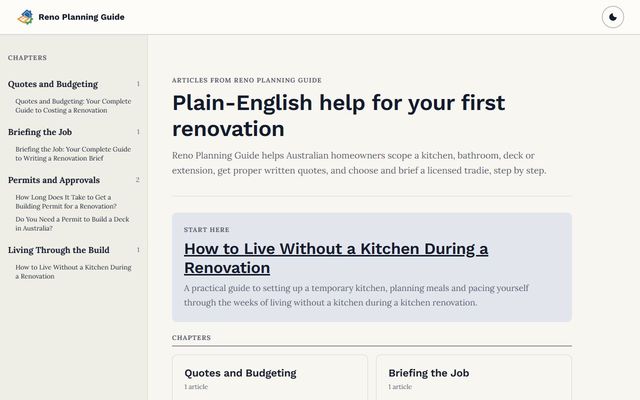
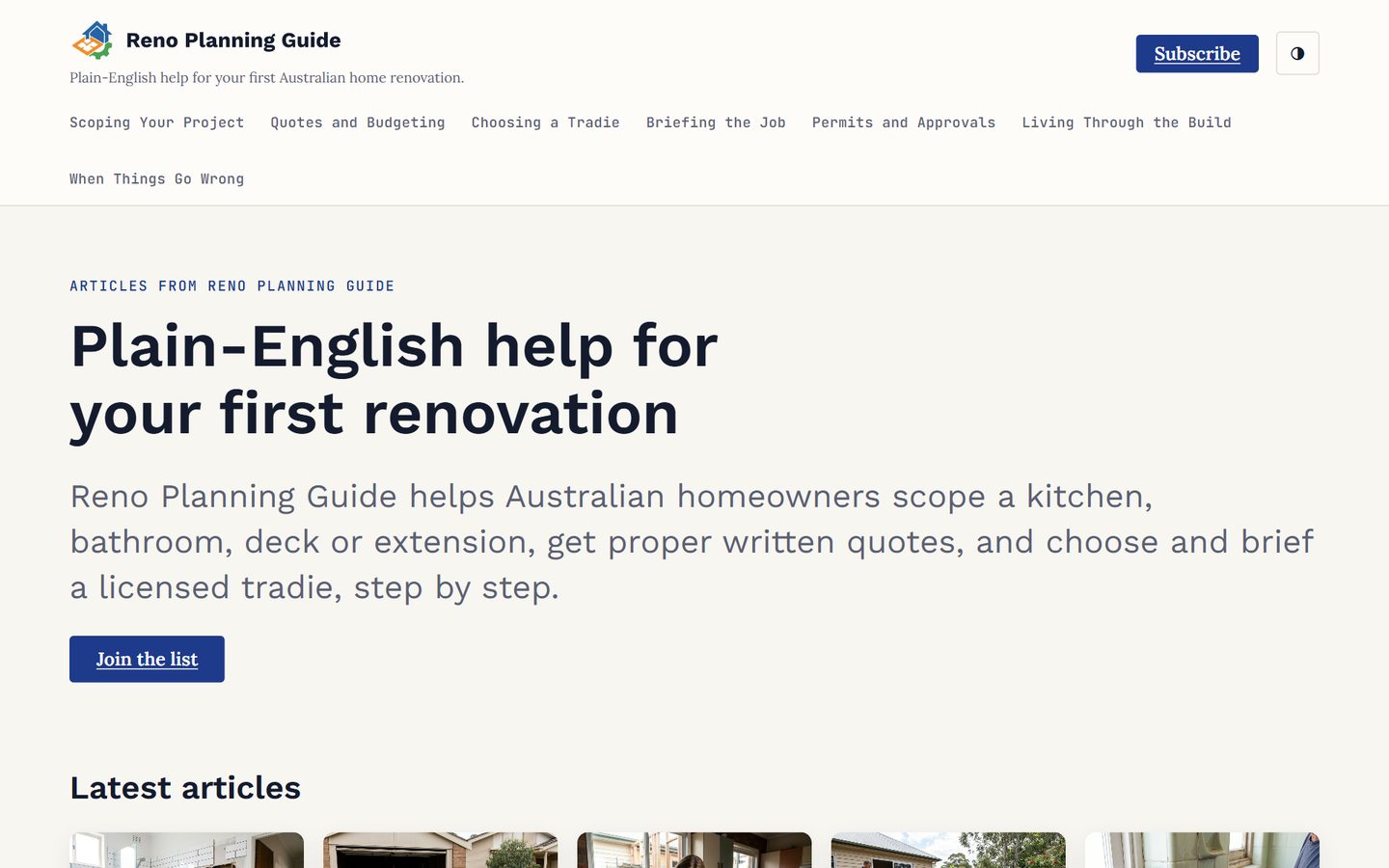
Its own home page in 12 of our 24 layouts. Its choice: Classic. Reno Planning Guide’s home page in twelve layouts, Classic highlighted - Languages and launchits languages, then a private preview
 Private preview
Many languages, for exampleEnglishEspañolDeutsch
What you get
- Your own website and domain name. It is your publication, not a page on someone else’s site.
- Light and dark, on any phone. Every page works on phones, tablets and computers, in light or dark mode.
- Safety rules that never switch off. Rules for the risky parts of your subject stay on, whatever else you change.
- Yours to change. Change the look or the wording any time. Every change is saved as a version you can go back to.
Part 2 · The articles
From topic to published article
Every article follows the same path. Here is one real article from the sample, from its topic to its published page.
- Topicsfound by AI or added by you
- How-to guide · Quotes and BudgetingHow Much Contingency Should You Budget for a Renovation?
- How-to guide · Living Through the BuildHow to Live Without a Kitchen During a RenovationChosen
- Situation guide · Choosing a TradieRed Flags to Watch for When Choosing a Tradie
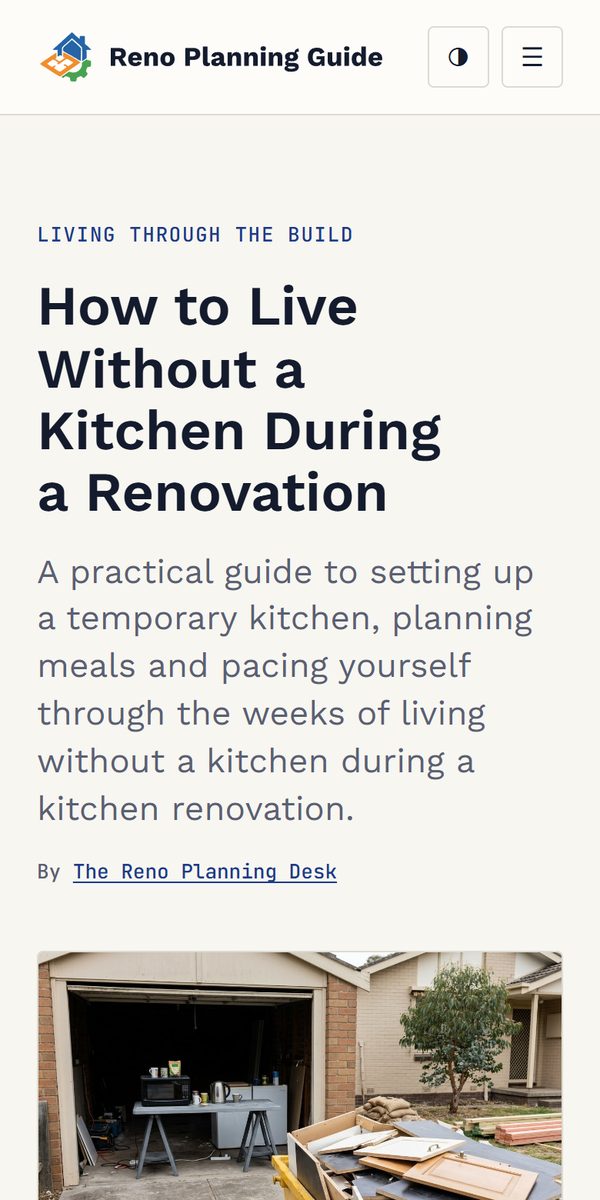
- Its draftin your publication’s voiceDraftHow to Live Without a Kitchen During a RenovationA practical guide to setting up a temporary kitchen, planning meals and pacing yourself through the weeks of living without a kitchen during a kitchen renovation.
Its sections
- What you’ll be able to do
- What you need
- The method: setting up a temporary kitchen during renovation
- Variations and conditions
- Common mistakes
- How to practise safely
- When to call in a licensed professional
- Budgeting for this stage
- Checkedsafety, SEO and more
- Safety against the safety rules for its subject
- Claims first-hand claims only where true
- Article review a second read for accuracy and clarity
- SEO title, description and search words
- Social its Facebook post, against the same rules
- Sources official sources, with the date checked
Problems come back with fixes. A draft that fails safety is never published.
- Publishedon your weekly schedule
A steady week
An example rhythm: three articles a week, each shared on Facebook the day it goes live.
Topics
- Ideas that never run dry. Research runs on a schedule, so new topic ideas keep arriving by themselves.
- Each topic explained. See why it is worth writing and the search words readers use.
- You choose. Approve or reject topics one at a time or all at once.
Pictures and extras
- A picture for every article. Each article gets its own main picture made by AI, or you can search for an existing picture that suits it.
- A picture library. Every picture is kept with its name, caption and description, ready to use again.
- Rail cards. Small cards that sit beside a section of an article (below it on phones): a related article to read next, a picture with a caption, or a recommended product.
- Downloadable documents. Checklists, printable summaries, plans and buying guides made for an article, as branded PDFs readers can download. On Growth and Pro.
- Articles that link up. Articles link to related articles and topics, so readers keep reading.
Publishing and you
- Publish when you choose. Publish an article now or schedule it, one at a time or many at once.
- Series. A set of related articles on one subject, released part by part on the days you choose, each part with its own Facebook post.
- Tasks that need you. One list, and a weekly email, of anything waiting for your yes.
Part 3 · Bringing readers in
Promoting every article
A publication only works if people read it. Each published article is promoted to bring readers to your website.
- Published articleon your website
- A post written for itwith its picture
No kitchen for weeks? It's doable, but it's the stretch that wears most households down, not the mess. Our guide walks you through setting up a proper temporary kitchen, planning meals around it and pacing yourself till the build's done. 🍳
- Posted to your Pageon Facebook, by itselfReno Planning GuideFacebook Page post
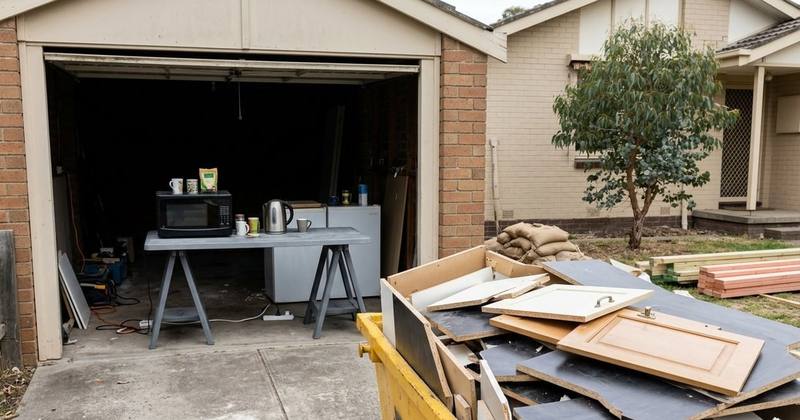
How to Live Without a Kitchen During a Renovation
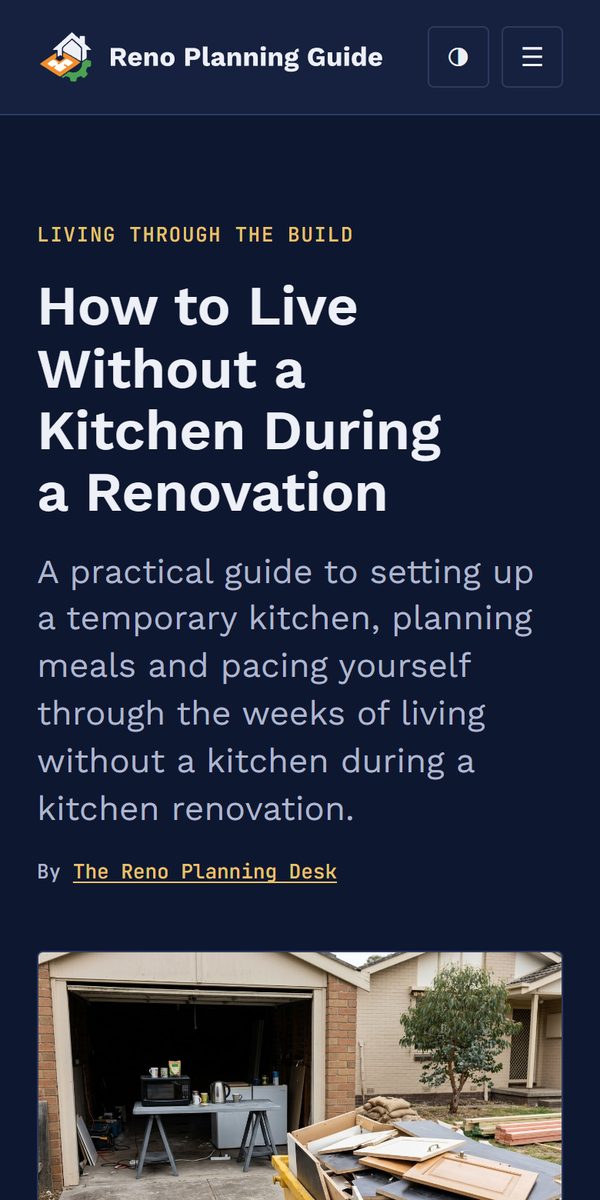
- Readers arriveat the article on your website

What you get
- You OK the first posts. For the first two weeks you say OK to every Facebook post before it goes out.
- Share buttons for readers. Every article has buttons that help readers share it on Facebook, X and Instagram.
About these examples
Example: real pages, topics and a Facebook post from Reno Planning Guide, a sample publication made with ImprintHQ. Shown only to illustrate what ImprintHQ makes. ImprintHQ isn't a renovation site, and we don't sell or promote this one: we build and run publications like it, on the subject your business chooses.
You stay in control
You stay in charge, without doing the work
See it before anyone else
Your publication runs on a private preview of your website first, with its first articles written and waiting.
Approve whenever you like
Look over ideas and drafts at any time and approve them. Nothing goes out unchecked.
Safety on every article
Drafts that break your rules are held back. Safety rules never switch off.
OK every post at the start
For the first two weeks you say OK to every Facebook post before it goes out.
How it’s set up
From your subject to a publication that’s live
Tell us your subject
A publication name, a subject, who it’s for and how many articles a week.
We set it up
Its look, rules and first plan of topics, on a private preview of your website.
You look it over
Ten articles written and waiting for you to read. Change anything you like.
It goes live
Your website opens to readers and your Facebook Page is connected. For the first two weeks you say OK to every post.
You see it all working on a private preview of your website first, and for the first two weeks you say OK to every Facebook post.